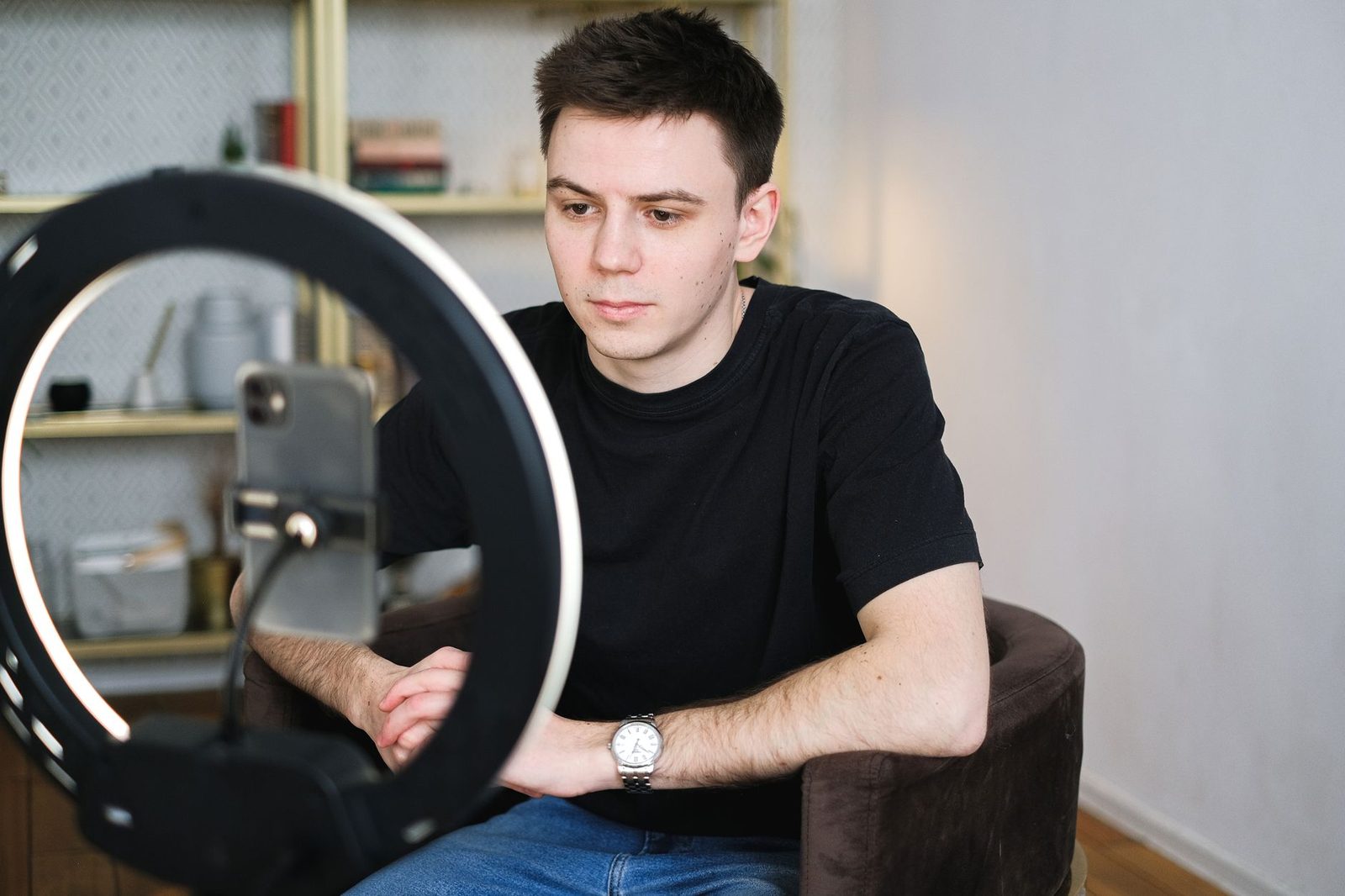
On a chatroulette, anonymity isn't decided the moment you pick a nickname. It's decided in three places nobody looks at: what your connection reveals technically, what your camera films behind you, and what your browser has already agreed to hand over. All three can be closed in about fifteen minutes.
The usual pitch around random video chat platforms boils down to one reassuring sentence: "no sign-up, so it's anonymous." That's a confusion. Having no account means the platform doesn't ask for your name — it doesn't mean you're invisible, not to the site operator, not to the stranger facing you, and not to a third party watching your traffic go by.
We've already covered scams and sextortion elsewhere, along with video quality on camera. This guide tackles a different, more technical subject: what information actually leaks during a chatroulette session, who can collect it, and how to close each leak one by one.

What really leaks during a video chat session
Let's separate three circles, from the widest to the most intimate.
1. What the platform sees
Even without an account, a chatroulette site records at minimum your IP address, your user agent (browser, operating system, version), your screen resolution, your system language and your time zone. That's the technical baseline of any web server. Most add cookies or a session identifier to enforce bans and limit spam.
These platforms aren't beyond the reach of the law. When they target a European audience, the GDPR applies: an IP address counts as personal data, a position long reiterated by the CNIL. A serious site therefore publishes a privacy policy stating how long logs are kept and whether or not streams are recorded. A site with no readable privacy policy is, on its own, a red flag.
2. What the person you're talking to sees
This is the most underestimated circle. Your correspondent doesn't see your IP spelled out in an interface — but they do see your face, your room, your belongings, your accent, the time of day where you are, and they can capture all of it.
One technical point is often misunderstood and worth stating plainly: chatroulettes are built on WebRTC, the technology standardized by the W3C and the IETF for real-time communication in the browser. WebRTC favors so-called peer-to-peer connections, meaning direct links between the two computers. To set up that connection, the ICE protocol exchanges "candidates" — IP addresses, including yours. Depending on the site's architecture (whether or not a TURN relay is always used), your public address can therefore be technically accessible at the other end.
This isn't science fiction: extensions and traffic-analysis scripts circulate freely to extract those ICE candidates. An IP address alone gives away neither your name nor your street — it gives away your ISP and an approximate location, often at the level of a county or a large city. That's already a lot when you thought you were anonymous.
3. What a third party on the network sees
On shared Wi-Fi — a hotel, a campus, a café, a coworking space — the network administrator sees at minimum the domains you contact. The video content itself is encrypted by WebRTC (DTLS-SRTP is mandatory in the standard), so nobody is "watching" your stream in passing. But knowing that you connect to a given platform, at what time and for how long, is information in itself.
Closing the IP address leak
This is the most concrete point, and the easiest to deal with.
A consumer VPN encrypts your traffic and substitutes the exit server's IP address for your own. For chatroulette use, three criteria matter more than raw speed: a genuinely audited no-logs policy, a kill switch, and an option to block WebRTC leaks. Many modern clients explicitly offer that setting — turn it on, because it addresses exactly the leak we're discussing here.
Beware of one classic trap: private browsing mode hides nothing at all from the outside world. It erases your local history, full stop. Your IP stays the same.
You can check your protection yourself: WebRTC leak test pages (browserleaks.com hosts one of the best known) display the addresses your browser is willing to reveal. Run the test before your first session, with the VPN on, then with it off, so you understand the difference.
Another often-forgotten point: Tor is not the answer here. The Tor network handles real-time streams poorly and blocks most of the UDP connections video requires anyway. A decent VPN remains the right tool.
Locking down the browser: permissions, fingerprint, extensions
Your browser is the platform's single point of entry to your hardware. Three structural settings:
- Revoke permanent permissions. In Chrome as in Firefox, a site allowed once to use your camera and microphone keeps that permission. Go back into the site settings and set camera and microphone to "Ask every time." That way you'll always know when the stream starts.
- Watch the LED. On virtually all built-in webcams, the indicator light is wired to the sensor's power supply: if it comes on when you haven't started anything, something is wrong. For times when you're not in a session, a simple adhesive webcam cover settles the matter for good and costs a few euros.
- Limit your fingerprint. Without cookies, a site can still recognize you from the combination of installed fonts + resolution + graphics rendering. Privacy-focused browsers (Firefox with enhanced protection, Brave) reduce that surface. Don't kid yourself: you don't become indistinguishable, you simply become harder to match from one session to the next.
A word on extensions: don't install a random "video chat enhancer" plugin. Those extensions request access to every site you visit, which is the exact opposite of the goal here.
Cleaning up what your camera shows despite you
An amateur sleuth doesn't need your IP. Looking at the picture is enough. Here's what gives away a location, in order of real-world frequency:
| Visible item | What it reveals |
|---|---|
| Mail, parcels, labels | Full name and address |
| Diploma, class photo, club jersey | Town, school, age |
| View through the window | Identifiable neighborhood, orientation |
| Computer screen in the background | Open accounts, notifications |
| Mirror facing you | Everything off-camera |
| Outside noise (bells, tram, school) | Type of area, sometimes the town |
The rule is simple: film a wall, not your life. A plain wall, a neutral bookshelf, a drawn curtain. If your room doesn't allow it, a foldable fabric backdrop sets up behind your chair in ten seconds and wipes out three quarters of the clues at a stroke. It has one advantage over software blur: it doesn't "drop out" when you move your head, whereas algorithmic blurring regularly lets fragments of background show for a fraction of a second — more than enough for a screenshot.
Virtual blur is still useful as a complement, especially on mobile. But treat it as a cosmetic layer, not a barrier.
Think about lighting too: a lamp placed behind you casts your shadow, and sometimes the outline of the room, onto the wall. Soft frontal lighting, such as a desk LED panel, flattens the set and paradoxically reduces the amount of usable information.
What you give away without meaning to
Social engineering over video works through a string of innocuous questions. Each one seems harmless; the series reconstructs an identity.
- "What's the weather like where you are?" → region
- "Are you on holiday or working?" → status, rough age
- "What accent is that?" → linguistic area
- "Which team do you support?" → city
- "How old are you, which university?" → near-direct identification
None of these questions is an attack. But if the person asks five of them in three minutes while never talking about themselves, that's no longer a conversation, it's a questionnaire.
The most effective countermeasure is preparation: decide before you connect on a set of vague but natural answers ("out west," "I work in services," "not far from a big city"). Improvising under pressure leads you either to say too much or to come across as hostile.
Another principle: never move to another app within the first ten minutes. A request to switch to an outside messaging service is the classic pivot in manipulation, because it moves the conversation to a space where your phone number or username is visible, and where the original platform's moderation no longer applies.
Audio, privacy's blind spot
We protect the image and forget the sound. And yet:
- A laptop microphone picks up conversations in the next room.
- Notifications from a smartphone lying nearby are audible.
- Speakers replaying the other person's voice create an echo in which your own earlier sentences resurface.
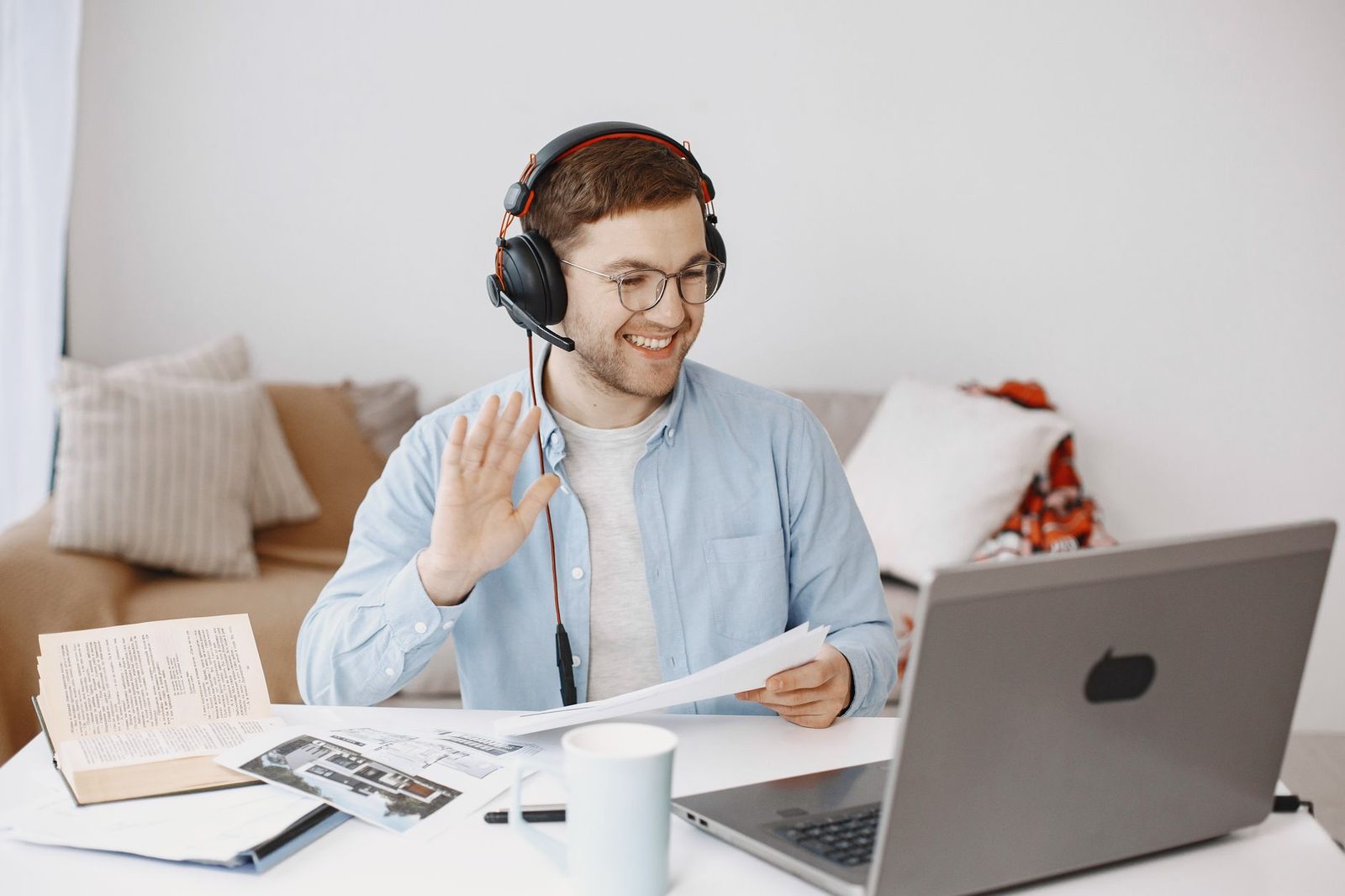
The fix comes down to one accessory: a headset with a microphone isolates your voice, kills the echo, and prevents your correspondent's audio from being picked up and rebroadcast. It's the only purchase that improves your privacy and the perceived quality of the conversation at the same time.
On a desktop computer, a USB microphone with a cardioid pickup pattern restricts capture to what's in front of it — that is, you — and ignores most side and rear noise.

Recording: what French law says
Many users believe filming a video call falls into a "legal vacuum." That's false, and it's worth knowing the basics.
Under French law, the right to one's image derives from Article 9 of the Civil Code: publishing the image of an identifiable person without their consent is a civil wrong. Recording images of a person in a private place without consent is itself punished under Article 226-1 of the Criminal Code. And distributing sexual images without agreement — "revenge porn" — falls under Article 226-2-1, with aggravated penalties.
In practice, if something goes wrong:
- Never pay if you're being blackmailed. Paying is never the end of it.
- Preserve the evidence: screenshots, username, timestamps, the account identifiers used to contact you again.
- Report it on the PHAROS platform (internet-signalement.gouv.fr), the official entry point of the French Ministry of the Interior.
- Call 3018, the free national helpline for digital violence, which has a fast-track reporting procedure with the major platforms.
- File a complaint: police station, gendarmerie, or online complaint depending on the case.
On personal data issues — a site refusing to delete recordings, for instance — the CNIL remains the competent authority and accepts complaints online.
Mobile: same rules, more leaks
On a smartphone, two extra risks appear.
First, file metadata. If you send a photo during the conversation, it may contain EXIF data, including GPS coordinates. Turn off location in your camera settings, or simply don't send any personal images.
Second, frame stability. A handheld phone constantly sweeps around the room and exposes far more background than a fixed webcam. A simple desktop phone stand locks the framing onto the wall you've chosen — a gain in privacy as much as in comfort.
Finally, check your mobile browser's permissions: on Android as on iOS, the list of apps with camera access deserves a quarterly review.
A seven-point routine
Run through this before each session; once it becomes a habit it takes under two minutes:
- VPN on, WebRTC leak protection enabled.
- Leak test run at least once, and again after every major browser update.
- Neutral background: nothing with your name on it, nothing identifiable, window covered.
- Headset plugged in, speakers off, notifications silenced.
- Other tabs and applications closed — accidental screen sharing happens more often than you'd think.
- No real identity details planned for the conversation: no full first name, no employer, no school.
- The "next" button, used without guilt: leaving needs no justification.

Choosing a less intrusive platform
Not all chatroulettes are equal on this front. Four questions to ask before settling on a service:
- Does a privacy policy exist, and does it state a retention period? A generic copy-pasted text with no mention of duration amounts to no policy at all.
- Does the site route video through a server relay? Platforms that systematically pass the stream through their TURN servers mask the IPs on both sides. That's more expensive for the operator, and therefore rarely the case with free services — but it's worth asking.
- Is moderation documented? A visible reporting system, a stated team, published rules: these are signs of seriousness, not guarantees.
- Does the site demand disproportionate permissions? A chatroulette needs neither your precise geolocation, nor your contacts, nor your notifications.
The ecosystem has fragmented heavily since Omegle shut down in November 2023, an announcement made by its founder Leif K-Brooks. Many clones appeared in its wake, with wildly uneven standards. The habit of reading the privacy policy before your first connection has never been more useful.
Key takeaways
Total anonymity on a chatroulette doesn't exist, and claiming otherwise would be dishonest. What does exist is a reasonable level of protection: enough that a stranger you cross paths with for forty seconds can't trace their way back to your front door.
Three actions cover most of the risk: a VPN with WebRTC leak blocking, a background with zero personal information, and the absolute rule of never filming anything you wouldn't show publicly. The rest — permissions, headset, metadata — is fine-tuning.
The good news is that these settings are permanent. Once in place, they protect all your future sessions with no extra effort.