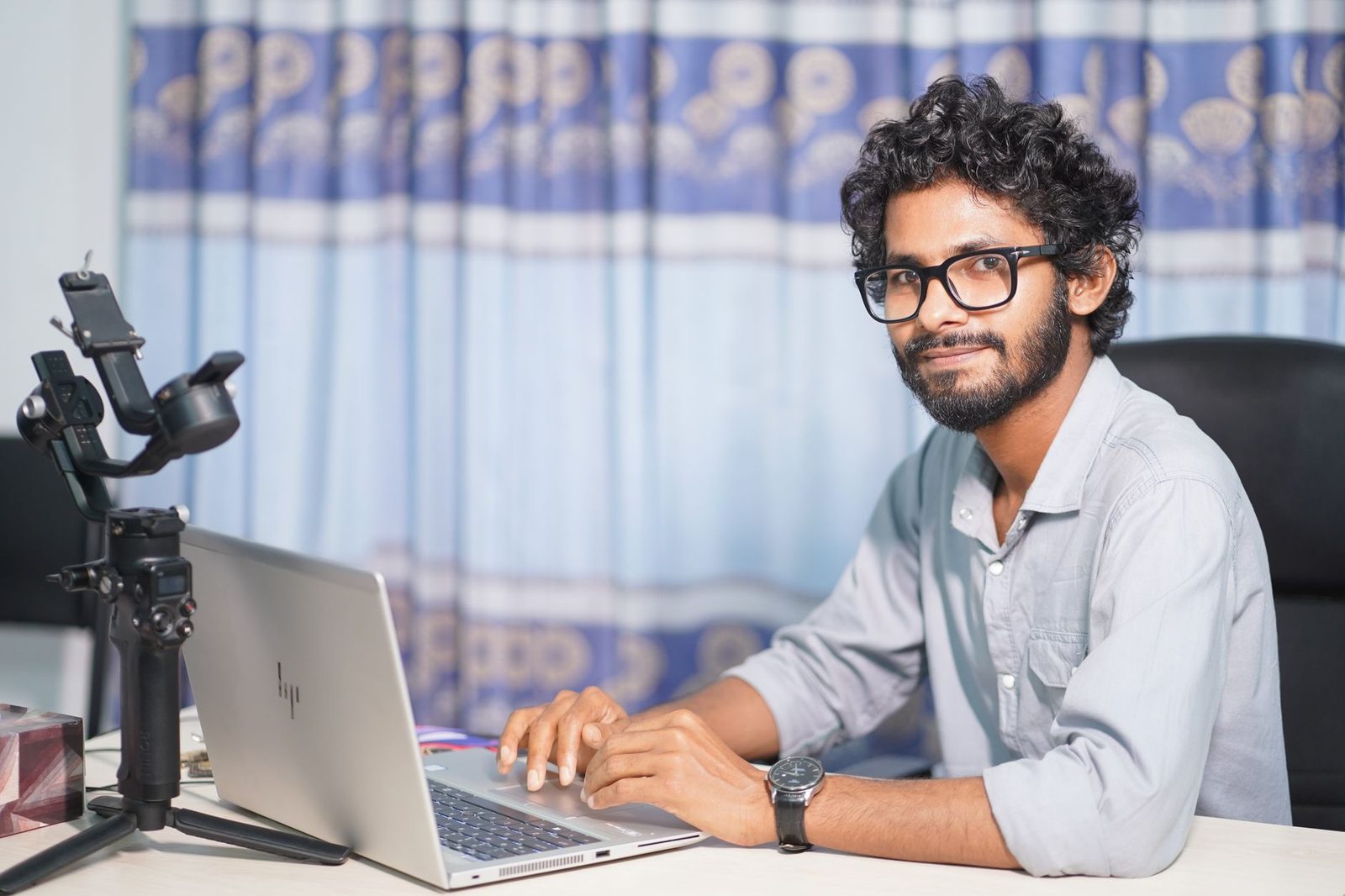
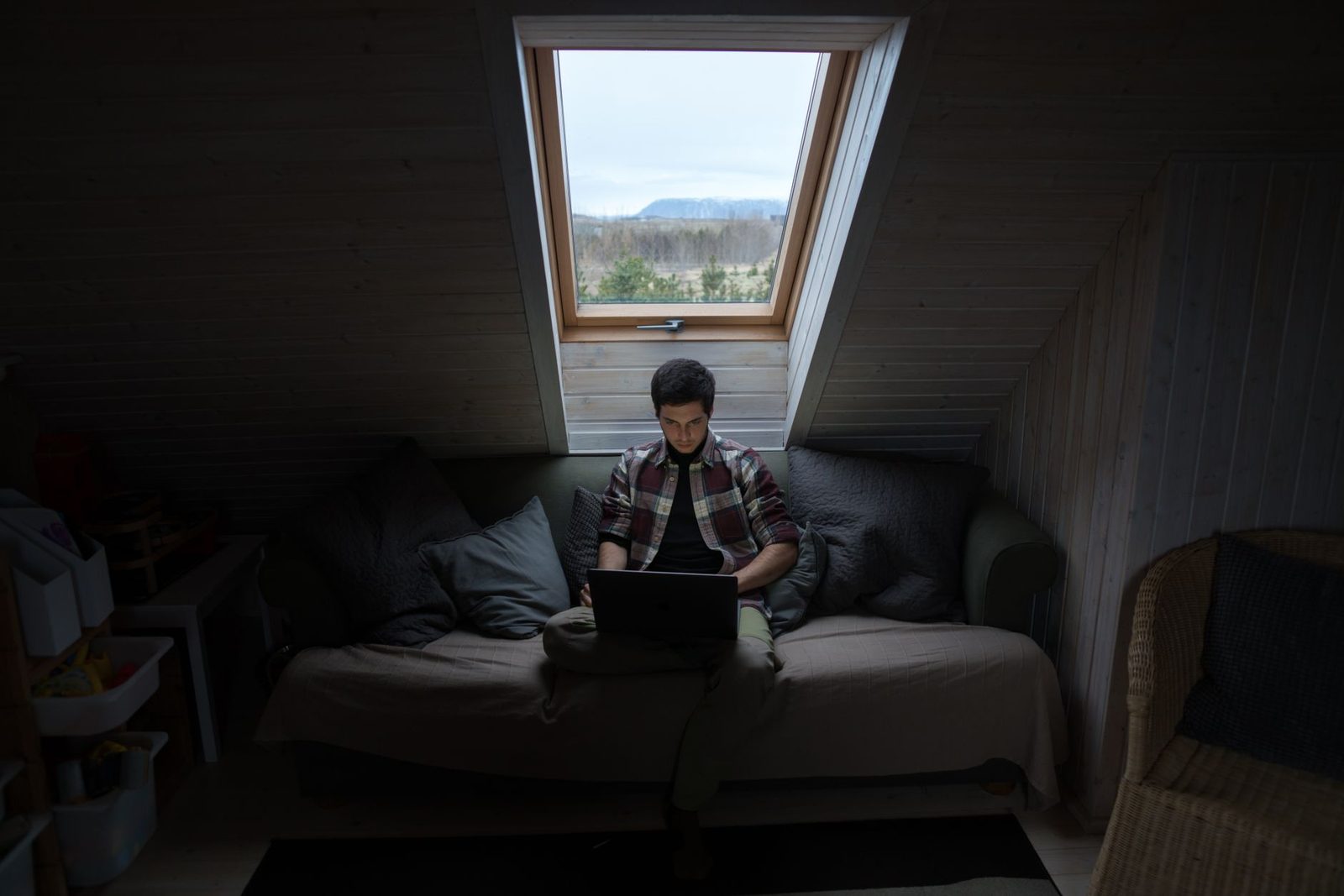
You bought a decent webcam. You took care of your background. Your connection holds up. And yet, on screen, you look like a grey silhouette in front of an over-bright window, with two dark hollows where your eyes should be. The problem isn't your face, and it isn't your gear: it's the light.
On a chatroulette, the other person decides in two or three seconds whether to stay. During those three seconds, they aren't seeing you: they're seeing the amount of light bouncing off you that your sensor manages to translate into pixels. A €120 webcam that's badly lit will consistently look worse than an entry-level webcam that's well lit. That's a constant rule in video, and it admits no exceptions.
We've already covered picture and sound on video calls, the background and unblocking your webcam. This article digs into an angle that has never been isolated here: light itself — its direction, its intensity, its colour — and what your camera actually does with it.
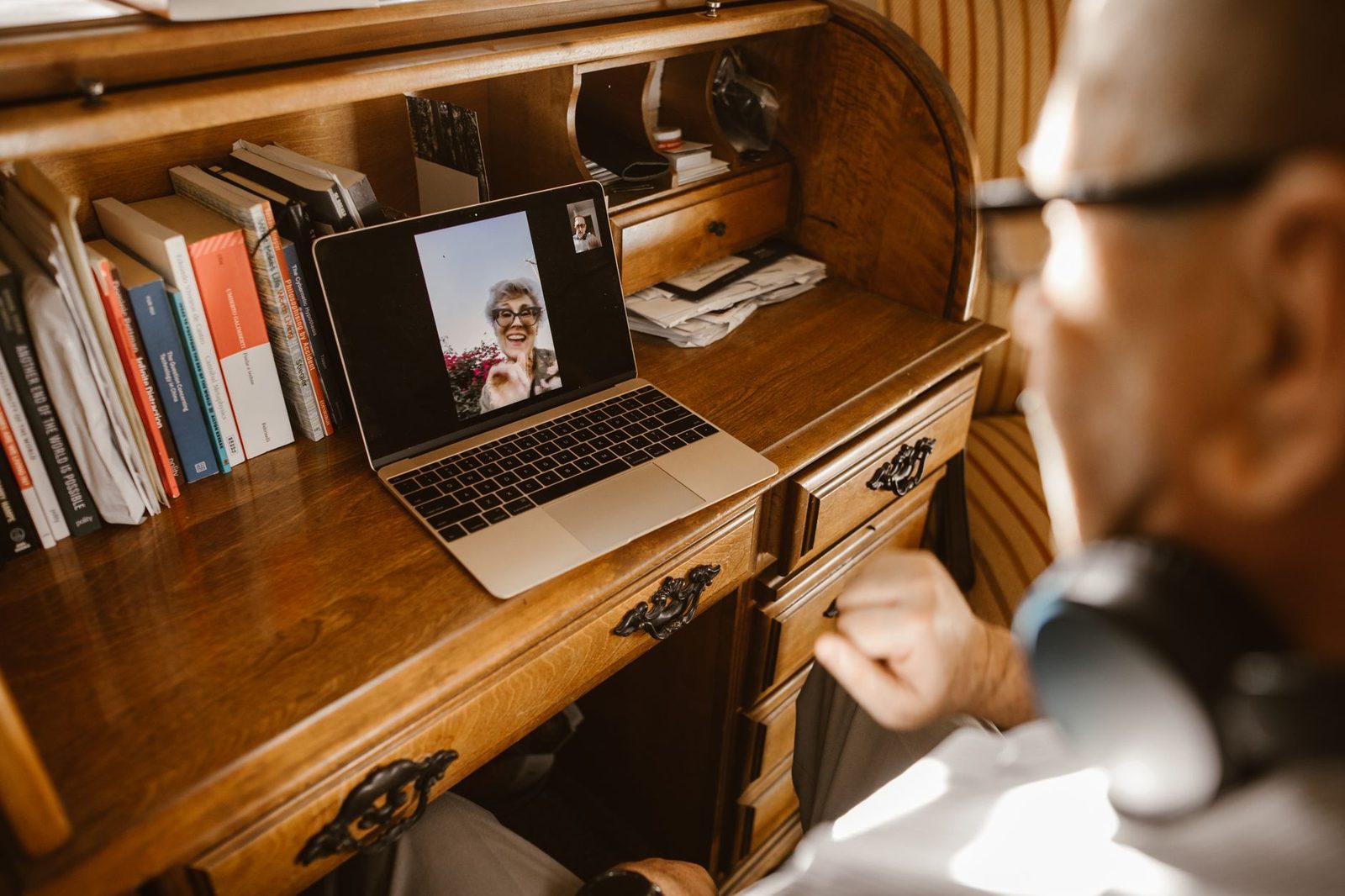
Why a webcam hates low light
A webcam sensor is tiny. Where a mirrorless camera has a sensor measuring several square centimetres, most webcams and laptop front-facing cameras work with surfaces on the order of a few millimetres. Less surface = fewer photons captured = less information.
When light is missing, the sensor can't invent it. It applies three automatic compensations, and all three degrade the image:
| Compensation | What the camera does | What the other person sees |
|---|---|---|
| Raising the gain (ISO) | Electronically amplifies the weak signal | Noise: a coloured grain crawling over cheeks and background |
| Dropping the frame rate | Goes from 30 down to 15, or even 10 frames per second | Stuttering movement, a lag between picture and voice |
| Longer exposure time | Leaves the sensor open longer | Blur the moment you move your head |
Add video compression on top of that. Chatroulettes almost all rely on WebRTC, the browser's real-time standard maintained by the W3C and the IETF, which encodes the stream on the fly at a constrained bitrate. And modern video codecs (VP8, VP9, H.264, AV1) hate noise: the grain changes from frame to frame, so the codec treats it as motion and spends precious data on it. The result: a noisy image is punished twice over — noisy and compressed more aggressively, hence blocky and blurred.
The practical conclusion is blunt: adding light is the only free adjustment that simultaneously improves sharpness, smoothness and colour accuracy.
The three mistakes that ruin 90% of video calls
1. Backlighting
By far the most common. You're sitting with your back to a window, or with your back to a lamp. The camera measures the average light in the scene, finds it high, and stops down the exposure. Your face, receiving nothing, becomes a shadow.
The test is instant: if you can see the light source when you turn your head behind you, you're backlit. The fix costs nothing: swivel your desk a quarter turn to face the window, or close the curtain and light yourself from the front.
2. The ceiling light alone
A ceiling fixture switched on in the evening puts the source above and slightly behind your head. It hollows out your eye sockets, emphasises dark circles, and casts your nose's shadow onto your mouth. It's horror-film lighting in reverse — technically a "top light", which cinematographers reserve for sinister characters.
You don't get rid of a ceiling light: you complement it. A frontal source, however modest, is enough to fill in the shadows.
3. The screen as your only source
Plenty of people make do with the light from their screen. It has three flaws: it's weak, it's blue (screens often run at 6,500 K or more), and above all it changes colour constantly depending on what's displayed. Your complexion goes from blue to green depending on the page you have open, and automatic white balance chases after it without ever catching up.
Direction: the only truly aesthetic variable
In video, we don't talk about "a lot" or "a little" light, but about where it comes from. Three positions structure everything:
- Frontal (0°) — Source directly in front of you, at eye level or slightly above. Flattens features, smooths out wrinkles and irregularities, very flattering at low resolution. It's the default choice for a chatroulette: people see you, immediately, with no ambiguity.
- Three-quarter (roughly 45°) — Source offset to one side, slightly raised. Creates modelling, depth, a soft shadow along one side of the nose. More "photographic", more interesting, slightly less legible on a small compressed stream.
- Hard side light (90°) — One half of the face lit, the other black. Superb in studio photography, unreadable on video chat: compression simply gives up on the dark area.
For a chatroulette, the recommendation fits in one sentence: one main source at 0–45°, slightly above eye line, and nothing behind you.
Height matters as much as angle. A light placed below the chin (a phone lying flat, a low desk lamp) inverts all the face's natural shadows and produces an unsettling effect that's immediately noticeable, even to someone who couldn't explain why.
Soft or hard: the size of the source decides
A notion the general public knows little about, yet it's central: how soft a light is depends on the apparent size of the source relative to the subject.
- A bare 3 cm bulb two metres away = tiny source = sharp shadows, hard edges, hot spots on the forehead.
- The same bulb behind a white lampshade, or a two-square-metre window with a sheer curtain = large source = gradual shadows, even-looking skin.
Hence three simple ways to soften an existing light, in order of cost:
- Bring it closer — a lamp at 40 cm is "bigger" as seen from your face than at 2 m, so softer (and more intense: you gain twice over).
- Diffuse it — a fabric lampshade, a sheet of tracing paper, a sheer curtain across the window. A simple photo lighting diffuser in white fabric does the same job for a few euros.
- Bounce it — aim the lamp at a white wall or a light ceiling to your left or right. The wall becomes the source. This is the most elegant and least expensive technique: it turns any bulb into a light panel several square metres across.

Colour temperature: the mixed-source trap
Colour temperature is measured in kelvins (K). The usual reference points, consistent with common lighting standards:
| Source | Approximate temperature | Look |
|---|---|---|
| Candle, filament bulb | 1,900 – 2,700 K | Very warm, orange |
| Domestic "warm white" LED | 2,700 – 3,000 K | Warm, cosy |
| "Neutral white" LED | 4,000 K | Neutral |
| Daylight, overcast sky | 5,500 – 6,500 K | Cool, bluish |
| Uncalibrated computer screen | 6,500 K and above | Distinctly blue |
Your camera has only one white balance for the whole image. If you mix a 2,700 K lamp in front of you with a 6,000 K window off to the side, it picks a compromise: one half of your face goes orange, the other blue, and the automatic correction swings back and forth as soon as you move.
Golden rule: one single temperature in the room. In the evening, switch off or shut out anything that isn't from the same family. In daytime, if the window dominates, choose a 5,000–5,600 K lamp rather than a warm bulb.
Tunable-white LED bulbs settle the problem once and for all: you set everything to the same value. Also check the colour rendering index (CRI): below 80, skin tones turn greyish or greenish. Above 90, complexions look believable again. It's a figure printed on the packaging of most bulbs sold in France, since the European energy label has required a detailed product sheet since 2021.
Three concrete setups, from free to comfortable
€0 setup: the window
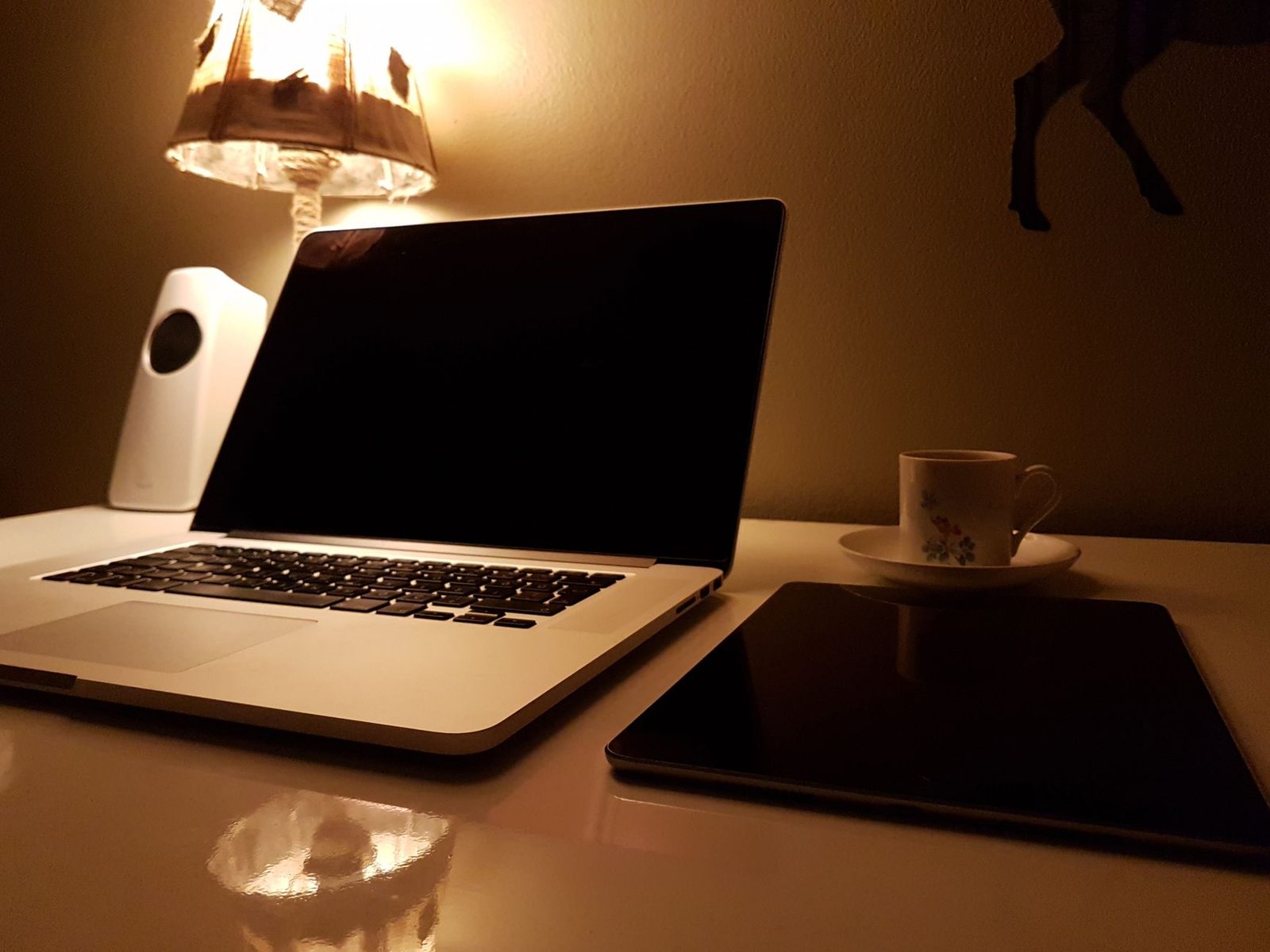
The best light in the world is free and already in your home. Sit facing a window, ideally north-facing (stable light, with no direct sun blasting through and blowing out the highlights). Put the computer between you and the glass, screen tilted slightly.
Limits: it disappears in the evening, it changes with the weather, and it dictates the orientation of your desk. But between 10 a.m. and 5 p.m., nothing beats it.
~€30 setup: a well-placed desk lamp
A classic articulated lamp, 5,000 K LED bulb with CRI ≥ 90, aimed at the ceiling or a light-coloured wall at 45° from you. You get a soft, stable wash of light, independent of the time of day. Optionally add a folding white reflector propped on the desk on the shadow side: it throws a little light back under the chin and erases dark circles.
In the vast majority of cases, this is the best results-per-euro option. A good LED desk lamp costs about as much as two takeaway meals and solves 80% of the problem.
~€60–120 setup: LED panel or ring light
- The ring light produces very frontal, very even light, with a characteristic circular reflection in the eyes. Effective, a bit clinical, instantly recognisable — many people spot it at first glance.
- The bi-colour LED panel on a small stand, placed at 45°, gives a more natural look and can be dialled in precisely. A dimmable bi-colour LED light stays useful well beyond video calls (photography, cooking, DIY).
Two accessories make a difference out of all proportion to their price: a lightweight tabletop tripod to set the source at the right height and, if you use a laptop, an adjustable laptop stand that raises the camera to eye level. The downward angle from the desk (a camera filming your nostrils) is just as damaging as bad lighting.
Checking objectively: five tests in two minutes
Before connecting, run these checks on a camera preview:
- The nose shadow test. If it runs down onto your mouth, your source is too high. Lower it or move it forward.
- The eye test. Your pupils should contain a small bright reflection. Without that catchlight, your gaze looks dead — and eye contact is one of the first trust signals people pick up on video.
- The movement test. Turn your head fairly quickly. If the image drags and smears, there isn't enough light: the camera is lengthening its exposure time.
- The background test. The wall behind you shouldn't be brighter than your face. If it is, your camera will underexpose you permanently.
- The noise test. Look at a plain area (a wall, a dark jumper). If it fizzes, add light rather than raising software brightness: the software setting amplifies noise, physical light eliminates it.
What light must never do: reveal too much
Powerful lighting also reveals what you'd rather keep to yourself. A strong frontal source makes reflective objects behind you shine — picture frames, mirrors, a switched-off TV screen — and it's not unusual for a badly placed mirror to reflect what's on your screen or a part of the room you thought was out of frame.
Three precautions, following on from our articles about privacy on video calls:
- Check the preview with the lighting on, not just in daytime.
- Remove or turn around any reflective surfaces in frame.
- Beware of lamps that light up an uncurtained window: at night, the outside world can see into the room, and you see your own reflection.
Data protection authorities, including the CNIL in France, regularly point out that controlling what's visible on camera is first and foremost down to the user: no platform will blur for you what your lamp is putting on display.
The case of night-time sessions
Most chatroulette traffic is concentrated in the evening and at night — which is also when natural light has gone and when you least feel like shining a 1,000-lumen floodlight into your face.
A reasonable compromise for a night-time session:
- Low, uniform temperature: everything at 2,700–3,000 K, including your screen's night mode. You'll get a warm, intimate, coherent image — and you'll limit evening exposure to blue light, whose effects on falling asleep are documented in several studies, notably relayed by ANSES in its opinions on LEDs.
- Moderate but frontal intensity: 300 well-placed lumens beat 1,500 lumens on the ceiling.
- A dimmer, to lower the level without shifting colour if your bulb allows it.
And if tiredness is the real issue, lighting won't fix it: we covered that in the mental fatigue of marathon sessions.
In summary
| Goal | Concrete action |
|---|---|
| Being seen | One source in front, never behind |
| Looking natural | A large source, diffused or bounced off a wall |
| Avoiding odd skin tones | One single colour temperature in the room |
| Gaining sharpness | More physical light, less software correction |
| Revealing nothing | Check the preview with the lighting on |
Light is the cheapest and most rewarding variable in your whole setup. It doesn't change your face: it simply decides how much information the machine will transmit about you. And on a platform where you're judged in three seconds, that amount is your first impression.