We blame the webcam, the lighting, the background, our own shyness. Almost never the pipe. Yet on a chatroulette, half the conversations that "don't click" don't die from a lack of charisma: they die from 400 milliseconds of delay, an image that freezes at the wrong moment, and audio that chops off the ends of sentences.
We've already covered mastering your webcam, picture and sound in video dating, and choosing between mobile and desktop. This article tackles the invisible layer: the network. The one you can't see, never adjust, and whose every effect the stranger opposite you endures without ever knowing where it comes from.
Three parts: what latency does to a human conversation, a ten-minute diagnosis, and fixes ranked by payoff versus effort.
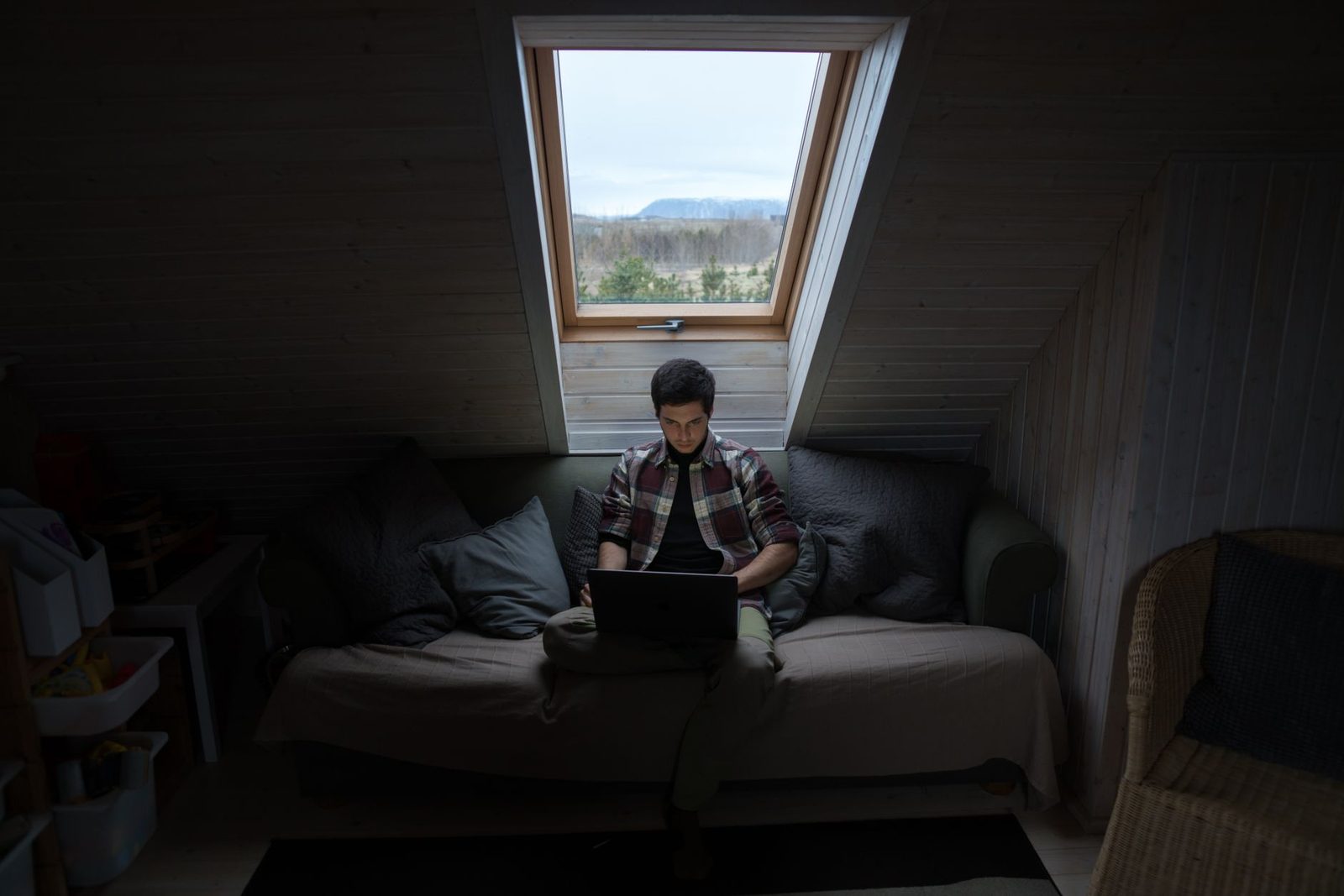
1. What a bad network says on your behalf
Delay is read as a personality trait
In a face-to-face conversation, the gap between the end of one sentence and the start of the reply hovers around 200 milliseconds. This is a robust finding in interactional linguistics: the work of Tanya Stivers and the team at the Max Planck Institute for Psycholinguistics (Nijmegen) on turn-taking, published in PNAS in 2009, shows that this figure holds across roughly ten very different languages, with only minor cultural variation. In other words: the human brain runs a conversational clock, and it's a tight one.
Add 300 to 500 ms of network latency and you fall outside that window. The issue isn't comfort — it's attribution. Nobody thinks "their network is adding a delay." They think:
- "She's hesitating."
- "He's working out what to say, so he's calculating."
- "She's not interested."
- "He's not listening, he's looking at something else."
On a platform where the other person can hit "next" at any moment, that misunderstanding is fatal. You're judged slow when you're merely a few servers away.
Micro-freezes destroy eye contact
A video call that freezes for a quarter of a second every ten seconds is still "watchable." But it strips out exactly what carries connection: micro-expressions, the approving nod, the smile that starts half a second before the sentence. These signals last between 40 and 500 ms. A frozen frame swallows them.
The practical result: your partner stops receiving your listening cues. They're talking into a void, feel unwelcomed, and cut it short. On your side, you find them "cold." Both of you are wrong, and the pipe has won.
Sound comes before picture — always
If you remember one thing: a conversation survives an ugly picture, never chopped-up audio. Video chat platforms know this and prioritise audio when bandwidth tightens — that's the standard behaviour of WebRTC implementations, the browser's real-time video technology, standardised by the W3C and the IETF and used by virtually every modern chatroulette.
Which means something important for you: if your audio is breaking up, your connection is genuinely bad. Degraded video is the first symptom; choppy audio is the advanced stage.
2. Diagnosis: ten minutes to find where the problem sits
The three numbers that matter (and it's not the one you look at)
When people test their connection, they read the big download figure. That's the least useful one for video calls. The three genuinely relevant indicators:
| Indicator | What it measures | Comfortable target for video chat |
|---|---|---|
| Upload speed | What you send: your image, your voice | 3 Mbit/s or more for smooth 720p |
| Latency (ping) | The round-trip delay | Under 50 ms wired, under 80 ms on Wi-Fi |
| Jitter | How consistent that delay is | Under 20 ms; this is what causes freezes |
Download speed is what lets you receive the other person's image. Upload is what determines the image you offer — and that's the one you're judged on. Yet ADSL/VDSL plans remain heavily asymmetric: it's not unusual to have 40 Mbit/s down and less than 1 Mbit/s up. In France, Arcep publishes quarterly figures on fibre rollout and speeds; its "Mon réseau mobile" platform and the nPerf measurement tool let you place your own line. You can also use the Arcep test built into several providers' services, or simply run a speed test — the key is to do it twice: once on Wi-Fi, once on Ethernet.
The test that isolates the real cause
Work by elimination, in this order, re-testing after each step:
- Test on Wi-Fi, in your usual spot. Note upload, ping, jitter.
- Test on Wi-Fi, sitting next to the router. If everything improves markedly → the problem is Wi-Fi coverage, not your subscription.
- Test on Ethernet. A simple Cat 6 network cable plugged into the router settles the question in thirty seconds: if the numbers turn good, your line is fine and wireless is what's holding you back.
- Test with everything else switched off (downloads, console, smart TV, cloud backup). If the difference is dramatic → household congestion.
- Test at a different time of day. Between 8 and 11 p.m., local networks and platforms are at peak. We discussed this in the article on the best time to log on: that peak affects your quality too, not just how many people are online.
After these five tests, you'll know whether you have a line problem, a Wi-Fi problem, a digital-neighbourhood problem, or a machine problem.
The suspect everyone forgets: the computer itself
Choppy video isn't always the network. Encoding a live video stream takes CPU. On an older machine, with forty tabs open and an antivirus mid-scan, it's the encoding that gives way, not the bandwidth. Telltale symptoms: the fan spins up, the computer heats, and the picture degrades gradually over the course of the conversation rather than cutting out sharply.
Two free checks: open the activity monitor (Task Manager on Windows, Activity Monitor on macOS) during a call and look at CPU usage. Above 85% sustained, that's your problem. A cooling stand for a laptop costs around fifteen euros and is often enough to avoid the thermal throttling that tanks quality after ten minutes.

3. The fixes, ranked by real effectiveness
Level 1 — Free, do it tonight
Switch to the 5 GHz band. Most routers broadcast two networks: 2.4 GHz (long range, low throughput, heavily congested) and 5 GHz (shorter range, high throughput, much cleaner). If your device is within about eight metres of the router, 5 GHz is almost always the right call. Check your Wi-Fi settings to see which one you're on: plenty of people have been stuck on 2.4 GHz for years without realising.
Close whatever is uploading. Cloud backups, phone photo syncing and software updates eat upload bandwidth — precisely the resource your webcam needs. Pause them during your sessions.
Lower the resolution yourself. Counterintuitive but highly effective: a stable 480p image is infinitely more pleasant than a 1080p one that freezes. If the platform offers a quality setting, drop it a notch. Nobody has ever left a conversation because the picture was 480p; everybody leaves when it freezes.
Move the router closer, or move closer to it. A load-bearing wall, a mirror, an aquarium, a hob: Wi-Fi hates all of it. Shifting the router fifty centimetres and getting it out of the TV cabinet can be enough.
Level 2 — A few tens of euros, immediate gain
The cable. This is the single best-value measure on the whole list. A flat 10-metre Ethernet cable tucks under a skirting board or a rug and wipes out jitter, micro-freezes and dependence on your neighbours in one go. If your laptop no longer has a network port, a USB-C to Ethernet adapter solves it for about fifteen euros. On a chatroulette, going from Wi-Fi to wired is often more noticeable than swapping webcams.
Sound before anything else. If you're only going to buy one item, it shouldn't be a camera: it should be a microphone. A USB headset with noise cancellation cuts echo, prevents feedback and lets the audio codec work on a clean voice — which improves intelligibility even at low bitrates. Built-in laptop microphones pick up the fan, the keyboard and the entire room; the codec then spends its bandwidth transmitting that noise.
Powerline adapters, as a second choice. A powerline Ethernet kit routes the network through your electrical wiring. Worse than a real cable, often better than distant Wi-Fi. One condition: both sockets must be on the same circuit, and surge-protected power strips kill the signal.
Level 3 — When the building is the problem
If you're in an L-shaped flat, a multi-storey house or behind stone walls, no setting will beat physics. A mesh Wi-Fi system with two or three satellites creates a coherent web instead of a single point running out of steam. It's the heaviest investment on this list, and the only one to consider once you've exhausted levels 1 and 2.
Key takeaway: in order, cable > microphone > 5 GHz > lower resolution > mesh. Nobody should buy a router before trying a 10-metre cable.
The mobile and 4G/5G case
On a smartphone, the parameters change. Latency on 4G is structurally higher than on fibre, and 5G doesn't fix everything: upload speed depends heavily on how loaded the cell tower is and where you sit within the cell. Two useful habits:
- Stay still. A phone that hands off to another cell mid-conversation causes an outright drop. Walking while on video is a guaranteed way to get breaks.
- Steady the image. Holding the phone at arm's length produces a constantly moving picture — and movement is the most expensive thing there is in bandwidth terms. A tabletop smartphone tripod locks the frame, reduces the amount of information to transmit and mechanically improves perceived sharpness.

4. Network and privacy: two things not to confuse
A VPN does not improve video calls
This is a common confusion. A VPN encrypts and reroutes your traffic through a remote server: it adds latency and often reduces throughput. It may have value for privacy, but presenting a VPN as a video-quality solution is simply wrong. If you use one, know that you're paying for that choice in smoothness — and pick a geographically close server.
Shared connections, a blind spot
On shared Wi-Fi (flatshare, student housing, hotel, coworking space), you control neither the quality nor the connection logs. Two consequences: quality fluctuates with other people's usage, and your activity passes through equipment you don't administer. For anything to do with video dating, a network you control remains preferable. We went into the legal issues in the article on your rights and the GDPR.
What your bandwidth says about your patience
One last, almost behavioural point. An unstable connection encourages compulsive "next"-ing: the image freezes, you don't wait, you skip. The network then becomes an accelerant for the behaviour we described in the article on compulsive skipping. Improving your connection isn't just about looking better: it's about giving yourself the means to stay in an exchange long enough for it to get interesting.
In summary
- The number that matters is upload speed, not download.
- Jitter causes frozen frames; latency makes you look slow or distracted.
- Diagnose by elimination: Wi-Fi far, Wi-Fi near, Ethernet, everything off, different time of day.
- A stable 480p image beats a stuttering 1080p one.
- A cable and a microphone beat any camera purchase.
- A VPN degrades smoothness: it's a privacy tool, not a quality tool.
A good connection won't make you funnier. But it will stop telling people, on your behalf, that you're somewhere else.