It's 2:20 p.m. The open-plan office is ticking over slowly, the 3 o'clock meeting has been cancelled, and one tab too many opens up: a chatroulette. Three minutes later, a colleague walks past behind the screen. This scene is no fantasy: it's the most ordinary scenario behind random video chat trouble.
We've already covered anonymity and privacy protection here, along with what the GDPR says about your rights. But there's a blind spot nobody addresses: the place and the context you connect from. The same behaviour — talking to strangers over webcam — carries wildly different consequences depending on whether it happens on your personal computer, on the machine your employer provided, on a train, or in the family living room while the kids do their homework upstairs.
This article doesn't pass judgement on the practice. It maps out the real risks — legal, technical and relational — and offers a method for keeping things compartmentalised.
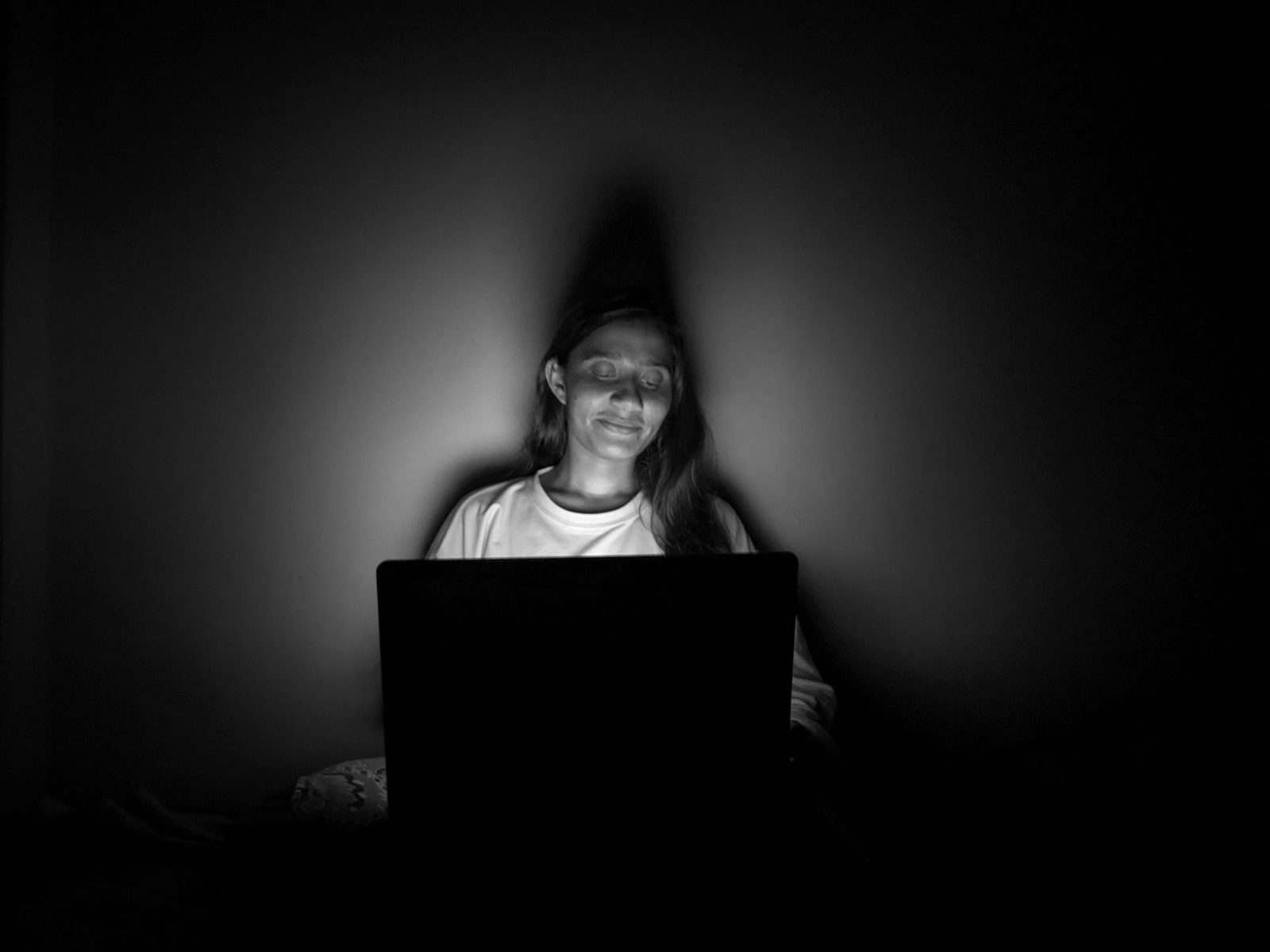
Your work machine is not your computer
This is the most widely misunderstood point. In France, case law has recognised since the Nikon ruling (Cour de cassation, social chamber, 2 October 2001) that employees have a right to respect for their private life in the workplace, including for their correspondence. But that principle has been considerably refined since, and it does not mean anything goes.
The key takeaways, put simply:
- Files and connections are presumed to be work-related. The Cour de cassation has long held that internet connections made during working hours from a machine provided by the employer are presumed to be professional in nature. In principle, therefore, the employer may review browsing history without the employee being present.
- The CNIL sets a framework, but doesn't ban anything. In its recommendations on the electronic monitoring of employees, France's data protection authority (Commission nationale de l'informatique et des libertés) notes that "reasonable" private use of the internet is generally tolerated, but that employers may deploy logging and filtering systems, provided they inform staff and consult employee representatives.
- The IT policy is internal law. Most companies append an acceptable-use policy for digital resources to their internal rules. It often explicitly lists categories of blocked or prohibited sites: gambling, adult content, dating sites. A chatroulette almost always falls under one of them.
So the risk isn't theoretical. Employees have been dismissed for excessive internal internet use, and employment tribunals generally examine two criteria: the volume (hundreds of cumulative hours) and the nature of the content. Random video chat, with its high likelihood of exposure to unsolicited sexual content, unfortunately ticks both aggravating boxes.
A simple principle worth remembering: if content displayed on your screen could, when seen by a colleague, amount to ambient sexual harassment, it has no place on a work machine. That's no longer a privacy question, it's an occupational health question — a topic the INRS documents from the angle of psychosocial risks.
Remote work doesn't change much
Many people assume working from home dissolves the boundary. On a practical level, that's false: a laptop provided by your employer remains a work tool, whatever living room it happens to be sitting in. Corporate VPNs, security agents (EDR) and filtering proxies keep logging activity, at home included.
If you want genuine separation, the rule is physical before it's software-based: two machines, or at the very least two distinct user sessions. Plenty of remote workers buy an entry-level laptop dedicated to personal use, precisely so they never have to ask the question. A simple HDMI cable and a USB-C dock let you switch between machines on the same screen in three seconds.
The risk of physical exposure: who can see your screen?
We tend to focus on what leaves the screen (data, IP address, screenshots). We forget what comes in through the window: the eyes around you.
The most accident-prone situations:
- Trains and planes. A laptop screen is legible from three rows away. On a chatroulette, you have no control over what the stranger opposite decides to show. You become, against your will, responsible for a public display.
- Open-plan offices and glass-walled rooms. Screens reflect in windows, partitions and sometimes in your own glasses during a work video call.
- Shared homes. Children, flatmates, partner: one door opening is enough. We've previously covered setting up a video call corner from the angle of the backdrop; here it's the reverse field of view that matters.
- Coworking spaces and cafés. Add to that the question of shared Wi‑Fi, which we come back to below.
The most effective countermeasure on the move remains mechanical, not software-based: a privacy screen filter — those polarising films that black out the image beyond roughly 30 degrees of viewing angle — solves 90% of the seat-neighbour problem. Budget around twenty euros for a 14- or 15-inch model. A useful companion for audio: noise-cancelling headphones with a boom mic, which stop you from talking loudly and stop your conversation partner's voice from carrying through the carriage.
And for the webcam itself, the simplest reflex in the world: a sliding webcam cover costing a few euros, stuck onto the screen bezel. It doesn't protect against much technically — malware that reaches the camera also reaches the microphone — but it eliminates an entire category of accidental activations, the kind where you join a meeting thinking your camera is off.
The network, that talkative witness
Second layer of risk: the infrastructure your sessions travel through.
| Context | What's visible | To whom |
|---|---|---|
| Corporate network | Domains visited, duration, volume | IT department, filtering provider |
| Public Wi‑Fi (café, hotel, station) | Domains visited, connection fingerprint | Network operator |
| Home router | DNS history if parental controls are active | Account holder |
| Mobile tethering | Metadata on the carrier's side | Carrier (legal retention) |
HTTPS encryption protects the content of pages, not the fact that you visited them. On most networks, the domain name remains readable in connection metadata. A private browsing tab changes nothing: it wipes local history, not network logs. This is probably the most widespread public misunderstanding about online privacy, and the CNIL regularly points it out in its explanatory guides.
Another technical point specific to video chat: these platforms use WebRTC, a real-time communication technology that establishes, wherever it can, a direct peer-to-peer connection between two browsers. The consequence: in certain configurations, your public IP address can be exposed to the person you're talking to. We detailed this point in our article on anonymity; the thing to remember here is that it gets worse in shared contexts, since the IP then identifies a company or a household, not just an individual.

The relational risk: the question of secrecy
This is the aspect least often discussed, and yet the one that leaves the most lasting marks.
Using a chatroulette behind your partner's back raises a question technology will never answer: is it the content that's the problem, or the concealment? Couples therapists generally distinguish between three very different situations, often conflated:
- Social curiosity. Chatting to strangers out of boredom, to practise a language, to kill thirty minutes. This is the majority use, and it counts as infidelity no more than watching a TV series does.
- The grey zone. Repeated conversations with the same people, a drift towards flirtation, sessions scheduled while your partner is out. Here the useful criterion isn't legal but simple: would you be comfortable if your partner were watching the screen over your shoulder?
- Compulsive use. When the need to hit "next" takes precedence over everything else. We devoted an entire article to the compulsive nature of the next button, and it's the only case where the question of place becomes secondary to the question of frequency.
Concealment creates its own spiral: the more you hide, the more you have to hide, and the more any eventual discovery will be read as a betrayal — regardless of what was actually said on screen. Many couple conflicts on this subject hinge less on the facts than on the discovery of a deleted history.
A principle of minimal transparency, without any obligation to recount everything: do nothing online that you couldn't explain out loud in a single sentence. For those who want to dig into the mechanics of digital habits and how to reset them, accessible books on habits and attention — the sort of book on digital disconnection — offer more practical frameworks than any blocking app.
A five-rule method for compartmentalising
Nothing esoteric here: these are hygiene rules, of the same order as not leaving your bank card on a café table.
1. One machine, one use
Never use work equipment for sensitive private use. If you don't have two computers, use at least two distinct system sessions, with two different browsers and two separate profiles. Compartmentalising also reduces the risk of accidental screen sharing in meetings — one of the great video conferencing classics since 2020.
2. A network you control
No random video chat on corporate, hotel or station Wi‑Fi. Tethering from your own mobile plan is almost always preferable. If you travel frequently, a travel Wi‑Fi router with a dedicated SIM card creates a network bubble independent of infrastructure you don't control.
3. An enclosed physical space
Door shut, back to the wall, screen not visible from the entrance. This setup is the same one recommended for sensitive remote work: the screen shouldn't line up with a door or a window. On the move, the privacy filter once again becomes the basic tool.
4. A time window you can own
The riskiest context isn't technical, it's temporal: 2 a.m. sessions, run on a sleep deficit, are the ones where judgement drops and you share what you wouldn't share at 6 p.m. Santé publique France extensively documents the effects of sleep deprivation on impulsivity and decision-making. Setting a cut-off time is the highest-return safety measure on this entire list.
5. Zero identifying details on screen
A framed diploma, a company badge, post on the desk, a recognisable background, a calendar notification popping up as an overlay. Turn off system notifications before every session — "do not disturb" mode exists on every operating system. A foldable studio backdrop or a simple neutral panel behind you wipes out the whole identifiable-backdrop question in one go, and incidentally improves the perceived quality of your image.
What to do if the damage is done
Three common scenarios, three responses.
A colleague saw your screen. Don't overplay the denial. Shut it down, and move the conversation elsewhere if necessary. If the content displayed was sexual in nature, be aware that you're not only in breach of the IT policy: you have potentially exposed a third party to non-consensual content, which falls into a different category of misconduct altogether.
Your employer calls you in. You have the right to be accompanied at a preliminary disciplinary interview. Ask to see the IT policy and the internal rules, and check that the monitoring systems being cited were properly notified to employees in advance and put to the works council. Failing that, the evidence can be challenged. If in doubt, a union, the labour inspectorate or an employment lawyer are the right people to talk to — not a forum.
Your partner found the history. The worst response is technical minimisation ("it was just random, it doesn't count"). The useful conversation is about needs: boredom, loneliness, curiosity, a lack of recognition. Those are the needs to name, not the tabs.
Key takeaways
Random video chat is neither illegal nor shameful. What causes damage is almost never the activity itself: it's the wrong context. A logged work machine, a screen visible from a corridor, a network you don't control, an hour when your judgement is flagging, or a concealment that grows over time.
The solution fits in one sentence: do it on your equipment, on your network, in your space, at a reasonable hour, and without having to delete anything afterwards. Everything else — filters, covers, VPNs — is just comfort built around that principle.
This article is for information purposes and does not constitute legal advice. For any individual situation, consult an employment law professional or your company's employee representatives.