Three seconds. That's roughly how long a stranger on a chatroulette has to decide whether to stay or hit "next". During those three seconds, they aren't listening to you: you haven't said anything yet. They're looking. And what they're looking at, to a large extent, is what's behind you.
We talk a lot about webcams, microphones and lighting — we've done it here ourselves, breaking down how to get your picture and sound right on video calls. We also talk a lot about what to say during the first minute of a conversation. But there's a strangely silent zone in all of this advice: the two square metres visible behind your head.
That background isn't neutral. It tells a story — sometimes yours, sometimes someone else's. It attracts or repels. And above all, it leaks: a framed diploma, an envelope sitting on the desk, the view through the window, a poster of the local football club. This article treats the background as what it really is: a communication tool and a privacy risk, at the same time.

First-glance judgement is real, and it's fast
The intuition of chatroulette regulars is backed up by research in social psychology. The most frequently cited work on the subject comes from Janine Willis and Alexander Todorov (Princeton University), published in 2006 in Psychological Science: after seeing a face for just one tenth of a second, participants had already formed judgements about trustworthiness, competence and likeability — and giving them more time didn't change the direction of the judgement, only how confident they were in it.
In other words: the stranger facing you has already decided something before the video has even stabilised. It's neither fair nor rational, but that's the playing field.
On a chatroulette, two differences make this phenomenon worse than in a face-to-face encounter:
- The context is reduced to a rectangle. In real life, you read posture, gait, a voice, the smell of coffee, a room. On video, all that context is compressed into a frame a few hundred pixels wide.
- Leaving costs nothing. Moving on to the next stranger takes one click. Where a physical conversation imposes a minimum of politeness, a chatroulette allows instant rejection with no explanation. That's exactly what makes the first image so decisive.
A study published in 2023 in PLOS ONE by researchers at Durham University (Paddy Ross and co-authors) went further: it showed that the background visible during a video call significantly influences how trustworthy and competent the person on screen is perceived to be. "Plant" and "bookshelf" backgrounds scored favourably; backgrounds showing a messy home or an empty space scored lower. The study focused on a fairly professional context, not online flirting, and it shouldn't be transposed word for word. But the principle holds: people judge you on your background, without meaning to and without saying so.
What your background really says
Let's break down what the eye picks up in three seconds, in order of perception:
| What the stranger sees | What they infer (rightly or wrongly) |
|---|---|
| Overall brightness | Very dark: something's being hidden, it's late, be wary |
| Sharpness and framing | Effort made, consideration given to the exchange |
| Clutter | Personal chaos or, conversely, a rich life |
| Identifiable objects | Interests, social background, estimated age |
| Other people / noises | Lack of privacy, conversation impossible |
The most counter-intuitive point is the last one on the object list: a completely empty background scores just as badly as a chaotic one. A bare white wall, with not a single object, sends two contradictory signals: either you have nothing to show, or you're deliberately hiding everything. Either way, it offers no conversational hook.
And that's where much of the mechanics play out: a good background hands out free conversation starters. A guitar propped in a corner, a world map, a stack of novels, a generous houseplant — each of these is a ready-made question the stranger can ask with no risk. You're giving them a way in. You mechanically increase the odds they'll stay.
The rule of three objects
Here's a simple method you can apply in ten minutes with what you already have at home.
Choose exactly three visible elements behind you, no more:
- A texture object — a green plant, fabric, a wall hanging, a wooden shelf. It breaks up the flatness of the wall and softens the image.
- An identity object — something that speaks about you without identifying you. An instrument, a film poster, a stack of books, a souvenir from a trip.
- A secondary light source — a lamp, a discreet string of lights, an LED strip behind a piece of furniture. It creates depth and avoids the "passport photo" effect.
Everything else should be out of frame. Laundry drying, moving boxes, dishes, official paperwork: out of shot.
For that third layer, an adjustable colour temperature LED desk lamp placed slightly off to one side does more for your image than any €200 webcam. A single frontal light flattens your features; two offset sources restore depth.

The flip side: what your background hands a malicious stranger
This is where the logic reverses. Everything that makes your background endearing can also be used to locate or manipulate you.
The CNIL regularly points out, in its practical guides on personal data protection, that seemingly harmless information — a first name, a town, an employer, a habit — becomes identifying as soon as it's cross-referenced. On a chatroulette, your background is a free and permanent source of cross-referencing.
Classic leaks, in order of frequency:
- The window. A recognisable building, a church steeple, a shop sign, a mountain on the horizon: that's the richest piece of intelligence you can offer. Close the shutter or turn the desk around.
- Mail and paperwork. An addressed envelope, a bill, a prescription on the desk: a full address fits in a wide shot.
- School or work items. A company polo shirt, a badge, a notebook with an institution's logo, a local sports plaque. That narrows the search down to a few dozen people.
- Family photos. They expose third parties who never asked for it — children included.
- The mirror. Underrated. A mirror behind you shows your screen, your whole room, sometimes the street. Always check.
- Sounds. A church bell, a train station announcement, a siren, a regional accent heard in the next room: the audio backdrop speaks as loudly as the visual one.
We've already devoted a full article to staying anonymous and protecting your privacy and another to setting up a video-call corner at home. The additional takeaway here is methodological: take a screenshot of your own feed, and look at it as if you were a stranger trying to track you down. Five minutes of auditing is worth all the advice in the world.
Blur, virtual backgrounds, filters: how good are the software fixes?
The temptation is to solve everything with a virtual background. It's useful, but imperfect.
Background blur is the best option in most cases. It preserves the general atmosphere (a room that feels lived in, shapes you can make out) while rendering identifying details illegible. It's now available natively in most browsers and video-calling software, and some third-party tools add it to any platform via a virtual camera.
Its limitations are well known:
- Edge breakdown. Long hair, glasses, fast-moving hands: the cut-out drops out intermittently and briefly reveals the background. Blur is never a privacy guarantee, only a risk reduction.
- Processor cost. Real-time cut-out taxes the CPU or GPU. On a modest machine, it drops the frame rate and heats up the device — degrading precisely what you were trying to improve. A ventilated laptop stand helps, but the real fix is often to lower the resolution.
- The "nothing to hide, but I'm hiding" effect. An overly artificial virtual background (tropical beach, TV-show office) is instantly read as a disguise and undermines trust.
A physical background is still superior whenever you can set one up: a simple stretched fabric panel, a folding screen or a plain fabric photo backdrop behind your chair gives a cleaner result than any algorithm, uses no resources, and never drops out. Choose a moderately saturated colour — sage green, slate blue, terracotta — rather than white or black: skin tones render better against it.
As for beauty filters, field experience is consistent: they work for a few seconds, then create unease. An over-smoothed face, enlarged eyes, skin with no texture — the stranger can't always put a name to what feels off, but they sense it, and they move on to the next person.

Framing: the most common mistake
Before the background, there's geometry. Three flaws come up again and again on chatroulettes:
The low angle. A phone resting on your lap, a laptop on the coffee table: the camera films from below. The result is universally unflattering — ceiling, nostrils, a pronounced double chin. The camera should be at eye level or very slightly above. A stack of books will do; an adjustable laptop stand does better and also spares your neck from bad posture, a point the INRS stresses in its recommendations on screen work.
Too wide a shot. Filmed from far away, you show the whole room (and therefore all its leaks) and your face becomes tiny. The right framing for video encounters is the chest shot: upper torso, shoulders, head, with a little air above the top of your head — not ten centimetres, not zero.
Backlighting. A window behind you, and the camera exposes for the window: you become a black silhouette. It's the most disqualifying flaw of all, because an invisible face is the same as no face at all. Light should come from in front of you; a window at your back is to be avoided at all costs.
Quick test: mute the sound, look at your own preview for five seconds, then close your eyes. What do you remember? If the answer is "nothing" or "it's dark", your framing has a problem before your conversation does.
Adapting your background to the hour and the intent
A detail most guides forget: the same background doesn't produce the same effect at 3 p.m. and at 1 a.m.
- During the day, natural light dominates. A bright background, a plant, a side window: the image feels relaxed, it reads as a normal life. It's the best slot for long, chatty exchanges.
- In the evening, artificial light takes over. A warm lamp and a coloured accent light create a more intimate mood — but too much red or purple quickly tips into a suggestive register that not everyone wants to read.
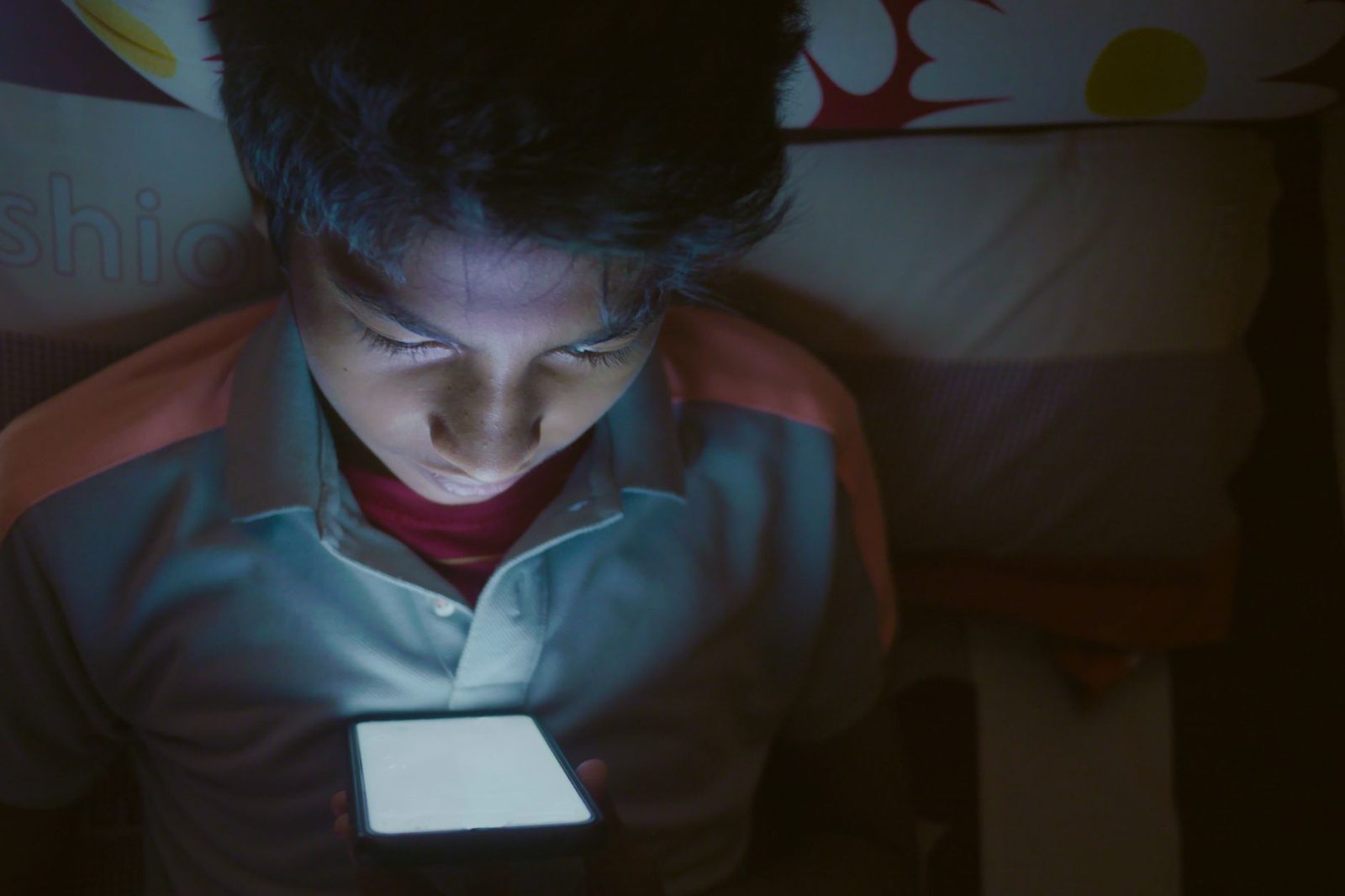
- Deep in the night, everything hardens: few sources, strong contrast, faces swallowed by shadow. If you're connecting late, you absolutely must add a soft frontal light. An LED panel with a diffuser or even a plain sheet of tracing paper in front of a lamp changes everything.
On time slots and traffic levels, we've already published a dedicated analysis on when to log on.
Checklist before starting a session
Do this once, then check it in ten seconds every time afterwards:
- Camera at eye level, chest-shot framing
- Main light in front of you, never behind
- Three objects maximum in the background: texture, identity, light
- No identifiable window, no treacherous mirror
- Papers, mail, badges and logoed clothing out of frame
- Photos of other people removed or blurred
- Headphones plugged in to avoid echo and audio leaks
- Screenshot of your own feed, reviewed "in investigator mode"
A wired headset with microphone also solves one of the most mundane reasons for hitting "next": echo and feedback. Sound matters more than picture in the decision to stay — a recurring finding in video conferencing, where mediocre video is forgiven but tiring audio never is.
What your background will never do for you
Let's be honest. A well-composed background increases the chance that the stranger stays five seconds longer. Those five seconds are precious, because they give you time to say hello, smile, ask a question. But they replace nothing.
What the background does:
- it removes the reflex reasons for rejection (darkness, blur, chaos, backlighting);
- it provides free conversation starters;
- it signals that you made an effort — and perceived effort invites effort in return.
What it doesn't do:
- it doesn't make up for unpleasant behaviour;
- it doesn't create an interesting conversation;
- it doesn't protect you from bad actors: only discipline about what you show and say does that.
The background is a threshold, not a destination. Treat it like the entrance to a house: welcoming enough that people want to come in, discreet enough that they don't yet know where you live.
Sources
- Willis, J. & Todorov, A., "First Impressions: Making Up Your Mind After a 100-Ms Exposure to a Face", Psychological Science, 2006.
- Ross, P. et al., "Zoom backgrounds and their influence on perceived trustworthiness and competence", PLOS ONE, 2023.
- CNIL — practical guides on personal data protection and the risk of re-identification through cross-referencing.
- INRS — recommendations relating to screen-based work (screen height, posture, lighting).