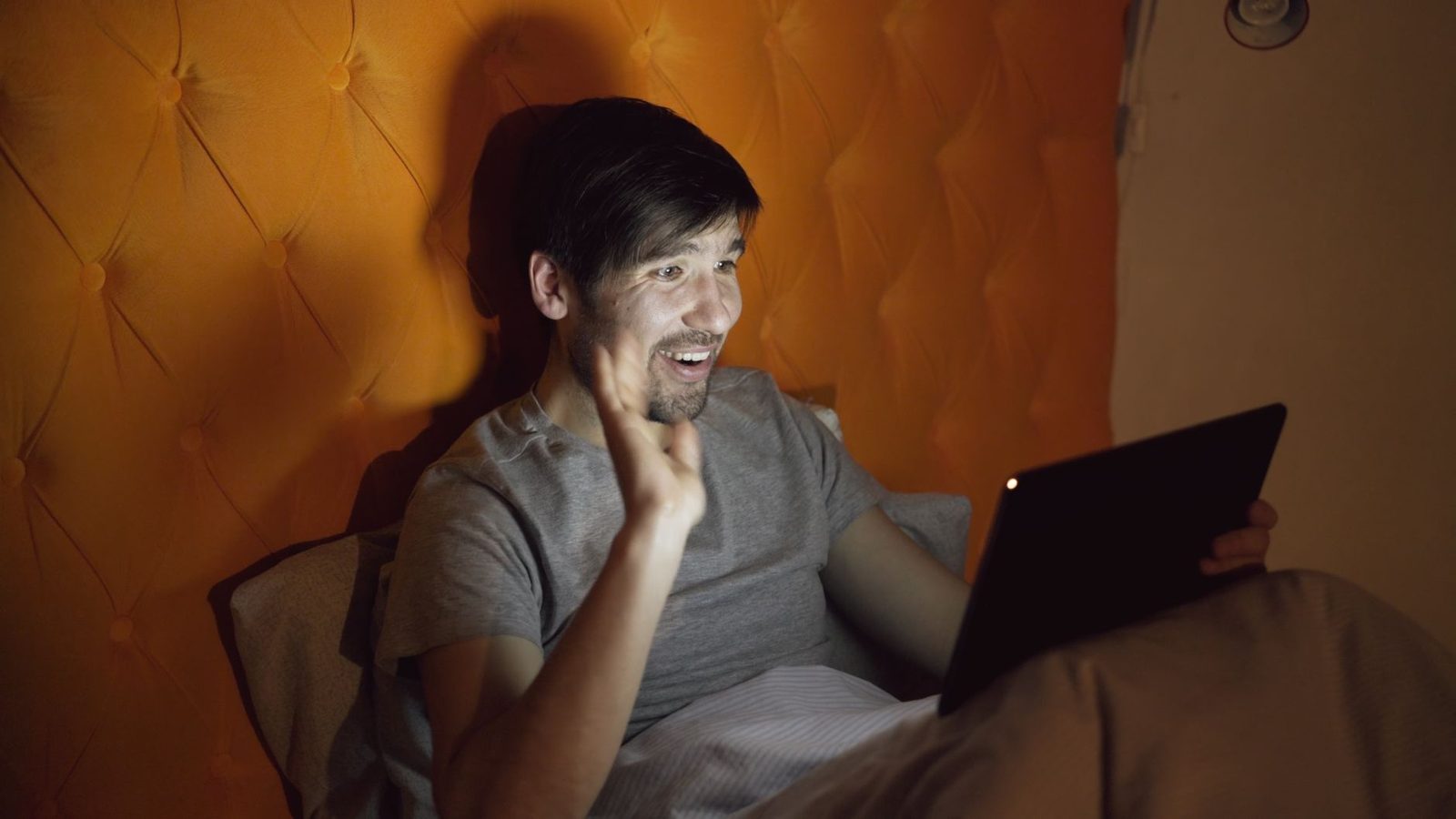
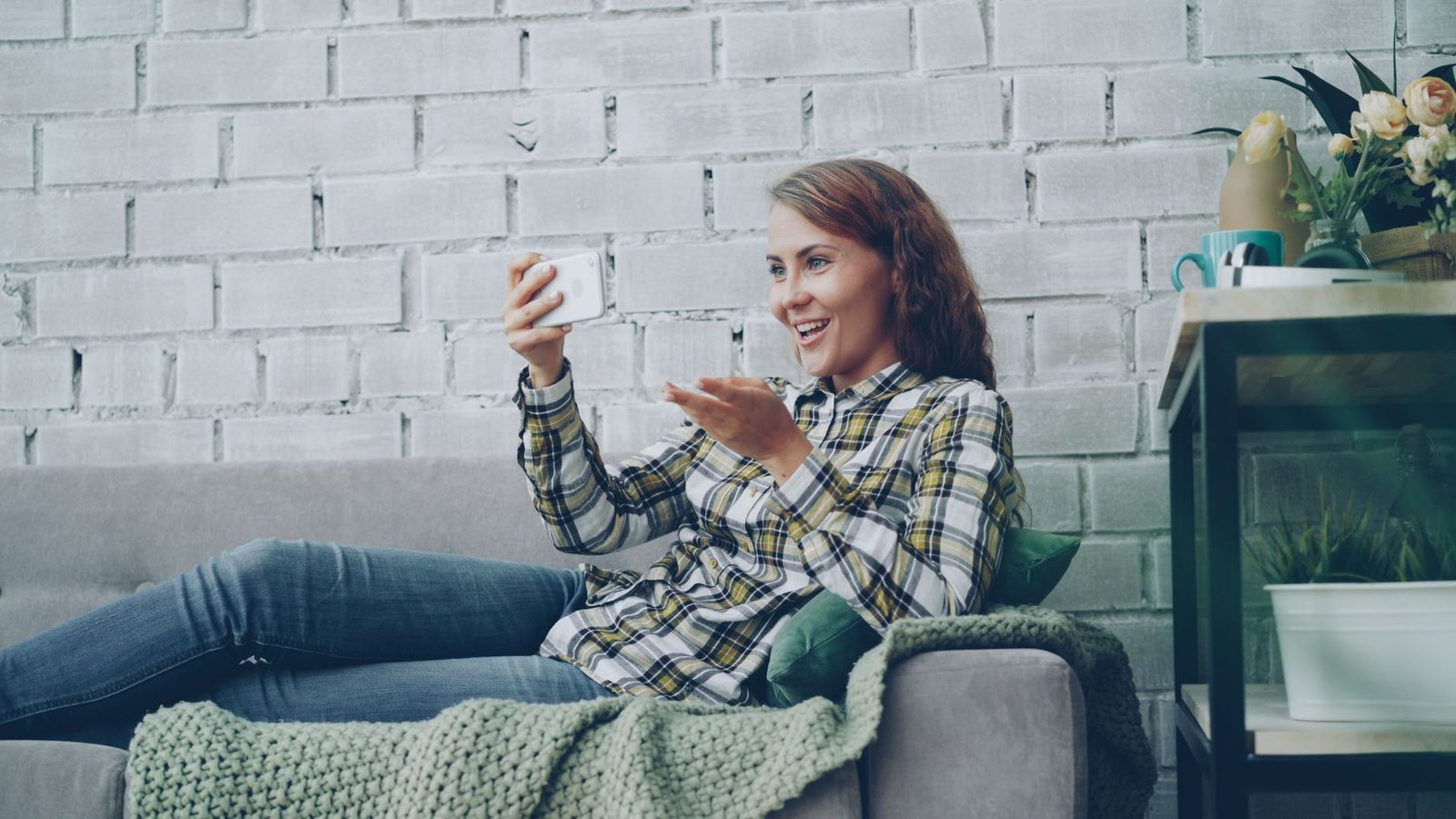
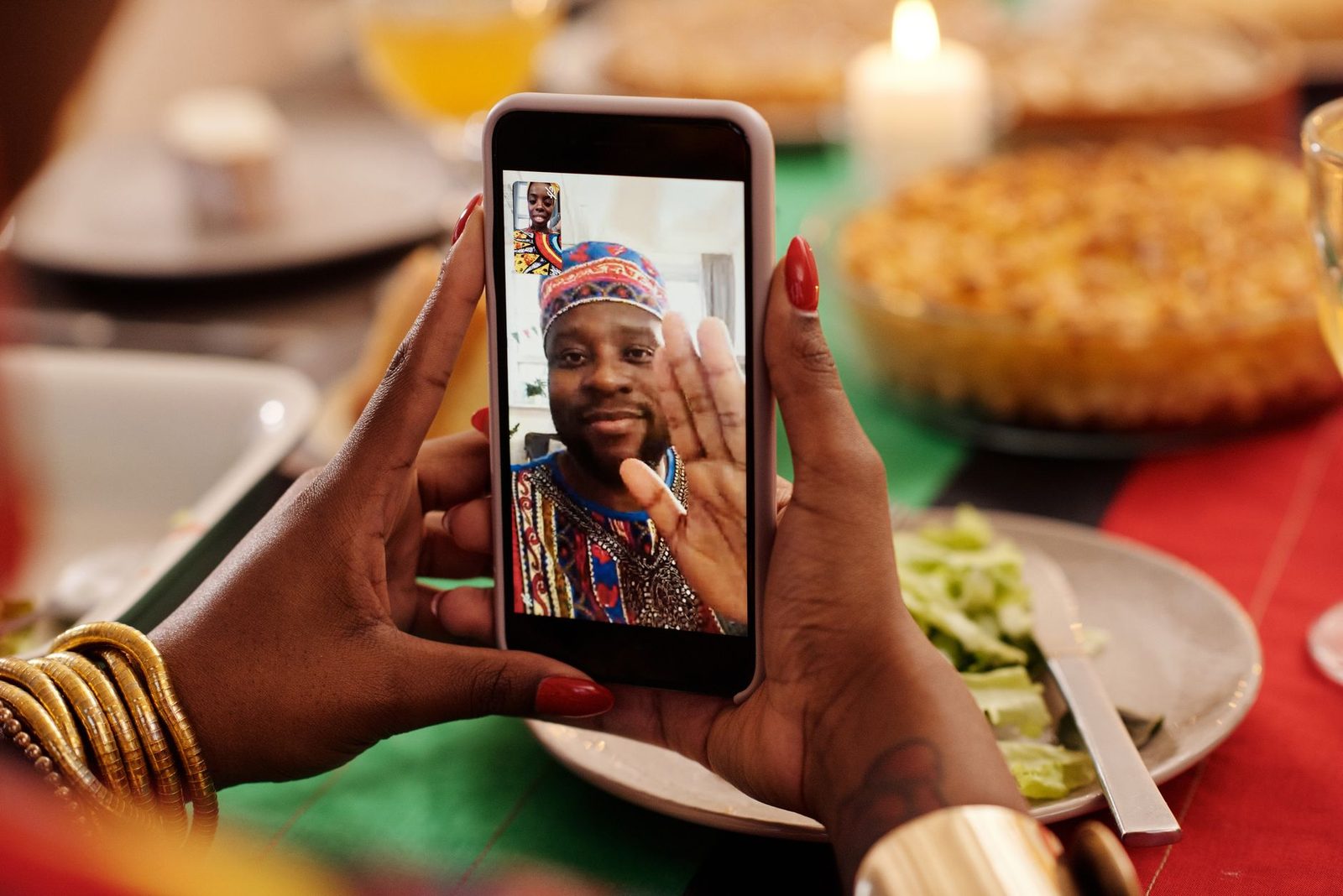
You've perfected your framing, tuned your microphone, tested your connection speed. And yet, within three seconds, the stranger on the other side knows more about you than you think: a neighbourhood pharmacy calendar pinned to the wall, an envelope lying on the desk, the outline of a church steeple through the half-open window. The setting always speaks first.
We've already covered video and audio quality in video chat here, along with anonymity techniques in the behavioural sense — what to say, what to keep quiet. This guide deals with something else: the physical space. The very concrete square metre you connect from. How to choose it, light it, soundproof it and above all clear it of anything that identifies you, without spending a studio-sized budget.
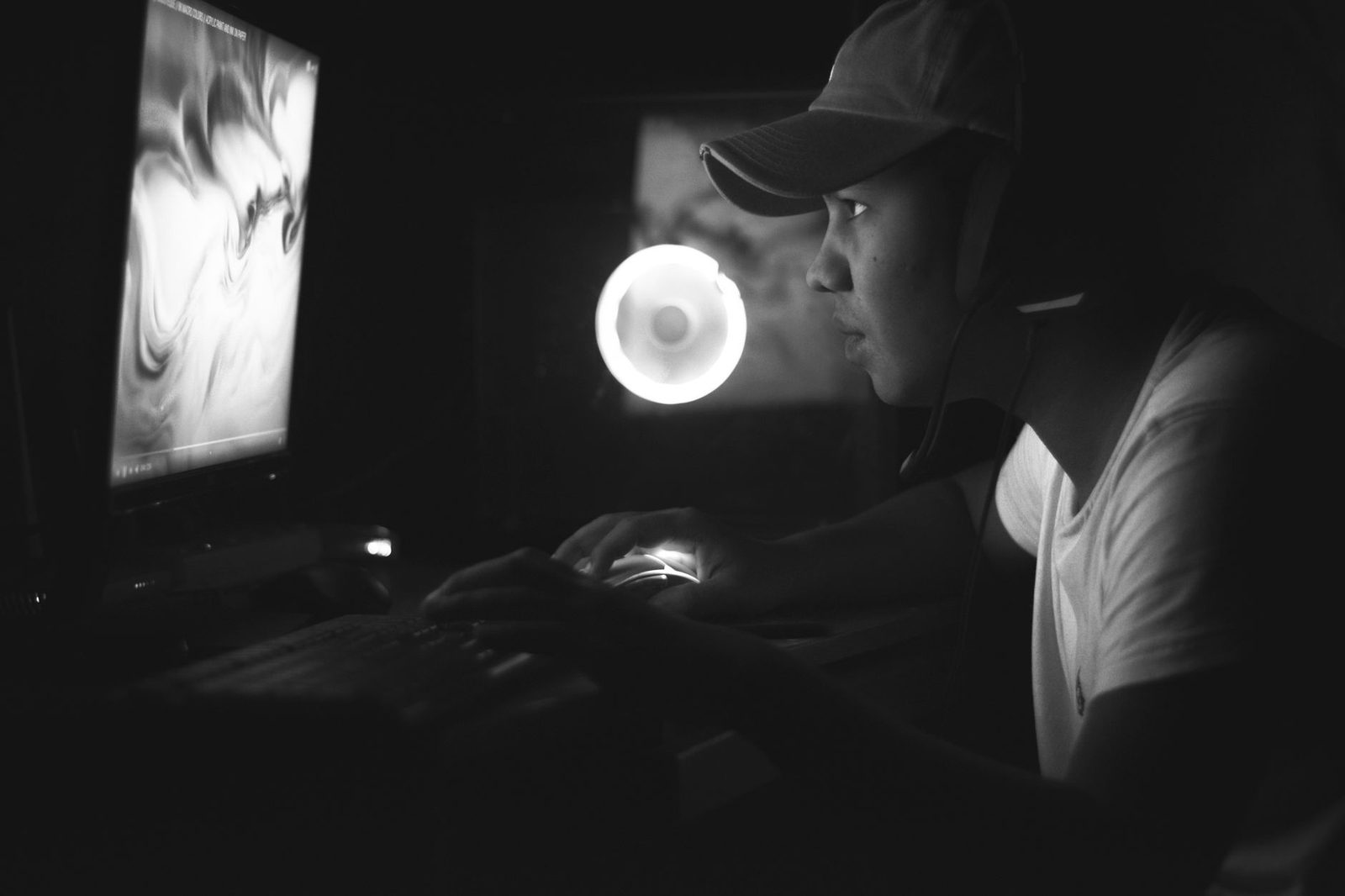
What your background says without you
Do the exercise once, honestly: open your system's camera preview (the "Camera" app on Windows, Photo Booth on macOS) and look at your own image the way a stranger would. Not your face — everything else.
The most frequently identifying elements, in the order in which they're overlooked:
- Mail and paperwork. An envelope with an address, a parcel with a shipping label, a prescription, a bank statement. Even blurry, they become legible as soon as a screenshot is enlarged.
- Diplomas, school posters, club jerseys. A local amateur club jersey narrows the search area down to a single town.
- The window. A recognisable building, a road sign, an antenna, a mountain in the distance: these are exactly the clues used by image-geolocation players. This isn't forum paranoia: research on re-identification through visual clues has been a documented field in computer security for more than a decade.
- Signs of shared living. A child's drawing, a toy, a Moses basket: they signal the presence of minors in the household. That's the most sensitive piece of information you could broadcast to a stranger.
- Reflections. Screens, mirrors, picture-frame glass, spectacle lenses. A mirror in the background sends back the entire room, including everything you'd carefully kept out of frame.
Simple rule: whatever the camera sees, consider it published. Not "visible for twenty seconds" — published, potentially recorded, potentially re-shared.
Choosing the right wall before buying anything
The classic mistake is to buy gear before choosing the location. It should be the other way round: the location determines 80% of the result, the equipment only corrects the rest.
The criteria, in order of importance
- A solid wall behind you. Not a door opening onto a hallway, not a series of connecting rooms. A closed background is a background nobody walks through in a dressing gown, and one that doesn't reveal the layout of your home.
- A natural light source in front of you, not behind. A window at your back guarantees backlighting: your face becomes a black silhouette while the room stays perfectly legible. The worst of both worlds.
- A shallow background. The closer the wall (60 cm to 1.5 m), the less space there is to control. A large, deep living room means far more objects to keep an eye on.
- A uniform wall, but not completely bare. A blank white wall gives an "interrogation room" look that chills conversations. Two or three neutral, impersonal items are enough — a plant, an abstract frame, a shelf of books whose spines aren't legible.
The four-step test
Standing up, take four steps back from your usual position and take a photo of the scene with your phone, oriented like your webcam. You'll immediately see what a wide frame captures when you lean back in your chair, when you lean forward, or when a laptop slides onto your knees. Most visual leaks happen during movement, not in a static position.
Neutralising the setting: solutions by budget
Zero cost
- Turn the desk 90°. This is often the complete, free solution: change the camera's axis rather than the furniture layout.
- Turn around or take down identifying objects before every session. A fifteen-second ritual.
- Close the curtains or blinds, systematically, whenever a recognisable outdoor view is in shot.
- Reduce the field of view. Many built-in webcams offer a wide field; on external models, setting 65° instead of 90° drastically cuts the amount of visible background.
Small budget
A foldable backdrop panel in matte fabric, in a plain dark colour (charcoal grey, midnight blue, forest green), set on a stand or fixed to the wall, solves the problem for good. Matte fabric is preferable to glossy vinyl, which reflects light and creates unflattering hot spots. Allow 1.5 m of width to cover a standard head-and-shoulders frame.
A medium-sized artificial green plant, placed at the edge of the frame and slightly in front of the wall, creates depth without revealing anything. It's the best value trick of the lot.
Should you use background blur?
Software blur (or a virtual background) is available in some browsers and through system utilities. It'll do in a pinch, but don't rely on it as protection. Three concrete limitations:
| Limitation | Consequence |
|---|---|
| Drop-out during fast movement | The background reappears for a fraction of a second — enough for a screenshot |
| Imperfect cut-out around hair, hands, held objects | Pixel leaks at the edges |
| High processor load | Drop in frames per second, heat build-up, noisy fans |
On chatroulette sites, where the stream is often handled by the browser via WebRTC without dedicated hardware acceleration, that cost is far from trivial. A real physical backdrop remains superior — and free once it's installed.
Lighting: the variable that changes everything
Lighting is the only area where a modest investment produces an immediately visible difference. A reminder of the principle: a webcam compensates for a lack of light by increasing gain, which generates digital noise, and by lowering the shutter speed, which generates motion blur. More light = a sharper, more stable, more flattering image.
Three-point lighting, apartment edition
- The key light, at 45° to your face, slightly above eye level. Neither dead-on (a flat, washed-out look) nor extremely to the side (half your face in darkness).
- The fill light, on the other side, half as powerful: it softens shadows. A simple desk lamp pointed at a light-coloured wall does the job.
- A subtle backlight, behind you, out of frame: it separates your silhouette from the background. Optional, but it's what separates an "amateur" look from a clean one.
An LED panel with adjustable colour temperature on a small stand is the most useful accessory on the list. Look for three specifications: a stated CRI (colour rendering index) above 95, a temperature range running roughly from 3,000 K to 5,600 K, and above all continuous dimming. Lighting that's too strong and not adjustable produces a washed-out look worse than no lighting at all.
An often-neglected point: mixing colour temperatures. A warm ceiling bulb (2,700 K) combined with a cool panel (5,600 K) gives you a greenish-orange face that automatic white balance can't fix. Pick one dominant temperature and stick to it.
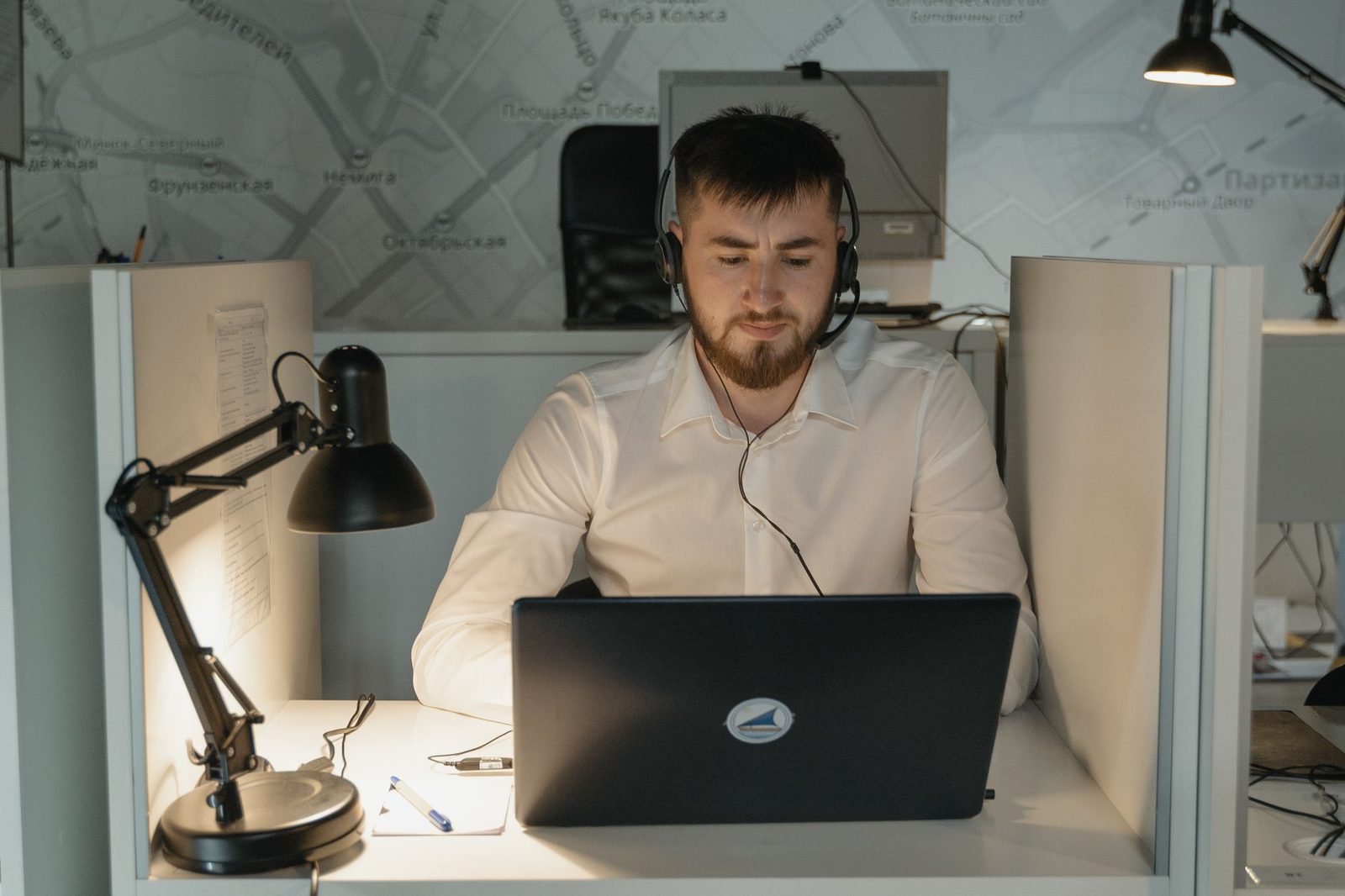
Acoustics: what nobody looks at and everybody hears
Poor sound gets you skipped to "next" faster than a poor image. Our brains tolerate a grainy picture; they don't tolerate a continuous listening effort.
The problem isn't your microphone, it's your room
A tiled room with bare walls and a large window bounces sound in every direction. The microphone picks up your voice plus its reflections, offset by a few milliseconds: that's reverberation, the "speaking from a bathroom" effect. No microphone corrects this, not even a €300 one.
What works, in order of value for money:
- Add absorbent materials. A rug, thick curtains, a well-filled bookcase, a bed in the room: reverberation drops dramatically. It's physics, not esoterics.
- Get closer to the microphone. Doubling the distance divides the captured level by four — proportionally increasing the share of reverberation. Going from 60 cm to 25 cm changes everything.
- Avoid room corners. Corners concentrate low frequencies and produce that "muddy" sound.
- Kill mechanical noise: the laptop fan sitting on a hard surface, a clock, the fridge, the ventilation system. A raised laptop stand, besides improving your posture and camera height, moves fan noise away from the microphone.
For everything else, a USB headset with noise reduction solves 90% of cases in one go: it keeps the capsule at a fixed distance from your mouth, eliminates audio feedback (that echo of their own voice the other person hears) and isolates room noise. By far the best euro you can spend on video chat — ahead of a boom microphone and ahead of a webcam.
On volume and your ears
Long sessions at high headphone volume aren't harmless. In France, the INRS points out that prolonged sound exposure damages hearing irreversibly, and regulations have for several years required personal audio players and headphones sold in the European Union to limit output sound power. On a chatroulette site, where levels vary enormously from one person to the next, the temptation is to crank the volume to maximum for quiet microphones — and then get blasted by the next person. Instead, adjust your correspondents' input gain within the application and keep some headroom.
Discretion towards your household
This is the blind spot of every video-chat guide: you don't necessarily live alone.
- The question of outgoing noise. Closed-back headphones, or failing that earbuds, keep the other person's conversation from spilling into the hallway. It's a matter of confidentiality, but also of basic respect for the other occupants.
- A door, not a screen divider. A room that closes remains the best option. Failing that, a time slot — a window when the home is quiet — beats any furniture arrangement.
- The screen turned away from foot traffic. A chatroulette site can display absolutely anything at any moment, including content you didn't choose. Don't expose it to the rest of the living room. A privacy screen filter, which blacks out the image beyond a 30° viewing angle, exists precisely for that and costs less than a night out at a restaurant.
- A physically covered webcam outside sessions. An adhesive webcam cover is the most basic step of all, and the most often ignored. Both the CNIL and ANSSI have long recommended physically covering the cameras on personal devices when they're not in use.
A thirty-second routine before every session
A well-designed setup doesn't exempt you from a check. Here's the list, to run through mentally while the page loads:
- Papers, parcels, mail out of frame
- Window: curtain drawn if the outside view is recognisable
- Mirrors and reflective surfaces: no reflection of the desk or screen
- Door at the back closed
- Objects belonging to other household members put away
- Lighting in front, not behind
- Headphones plugged in, volume at halfway
- System notifications turned off ("do not disturb" mode prevents a name, a message or a photo preview from popping up on screen if you share anything)
That last line deserves emphasis: the notification banners that appear at the top of your screen contain first names, contact names, sometimes message excerpts. They're invisible to you — you're used to them — and perfectly legible to anyone filming your screen.
What it actually changes
The goal isn't to live in a white, anonymous studio. It's to make the setting useless as a source of information, while making it pleasant to look at. A calm background, a well-lit face, a clear voice: those three elements together mean the stranger on the other side stays longer, because the conversation becomes comfortable. And a comfortable conversation, on a chatroulette site, is already a statistical exception.
That's the paradox: the same setup that protects you makes you more appealing on screen. A neutral background forces attention onto your face. Careful lighting signals that you're taking this seriously. Clean sound removes the listening effort. These aren't three separate projects — they're the same one.
Key takeaways: choose the wall before buying gear, light yourself from the front, absorb sound with what you already have at home, and treat every visible object as published information. The rest is just comfort.