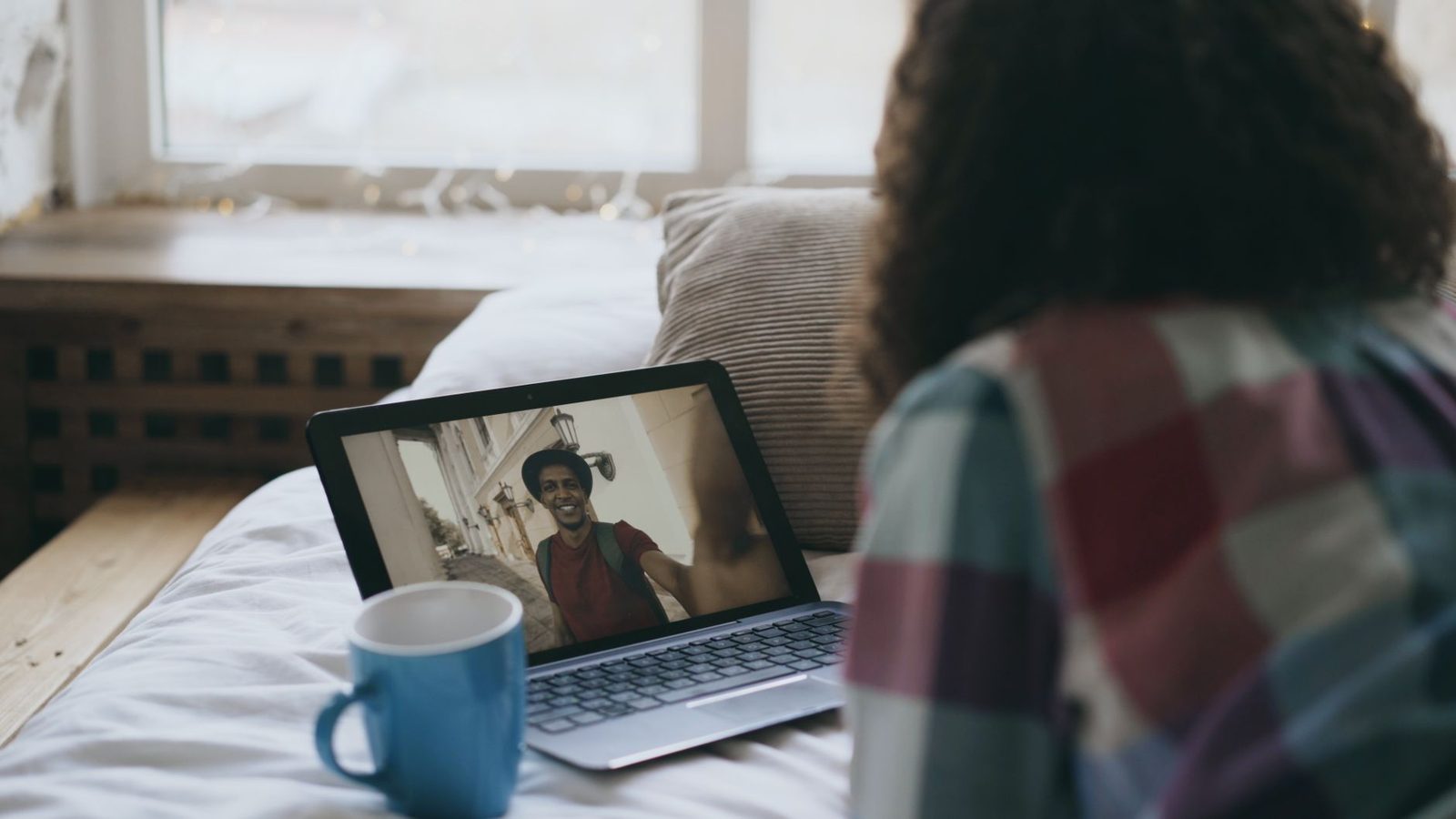
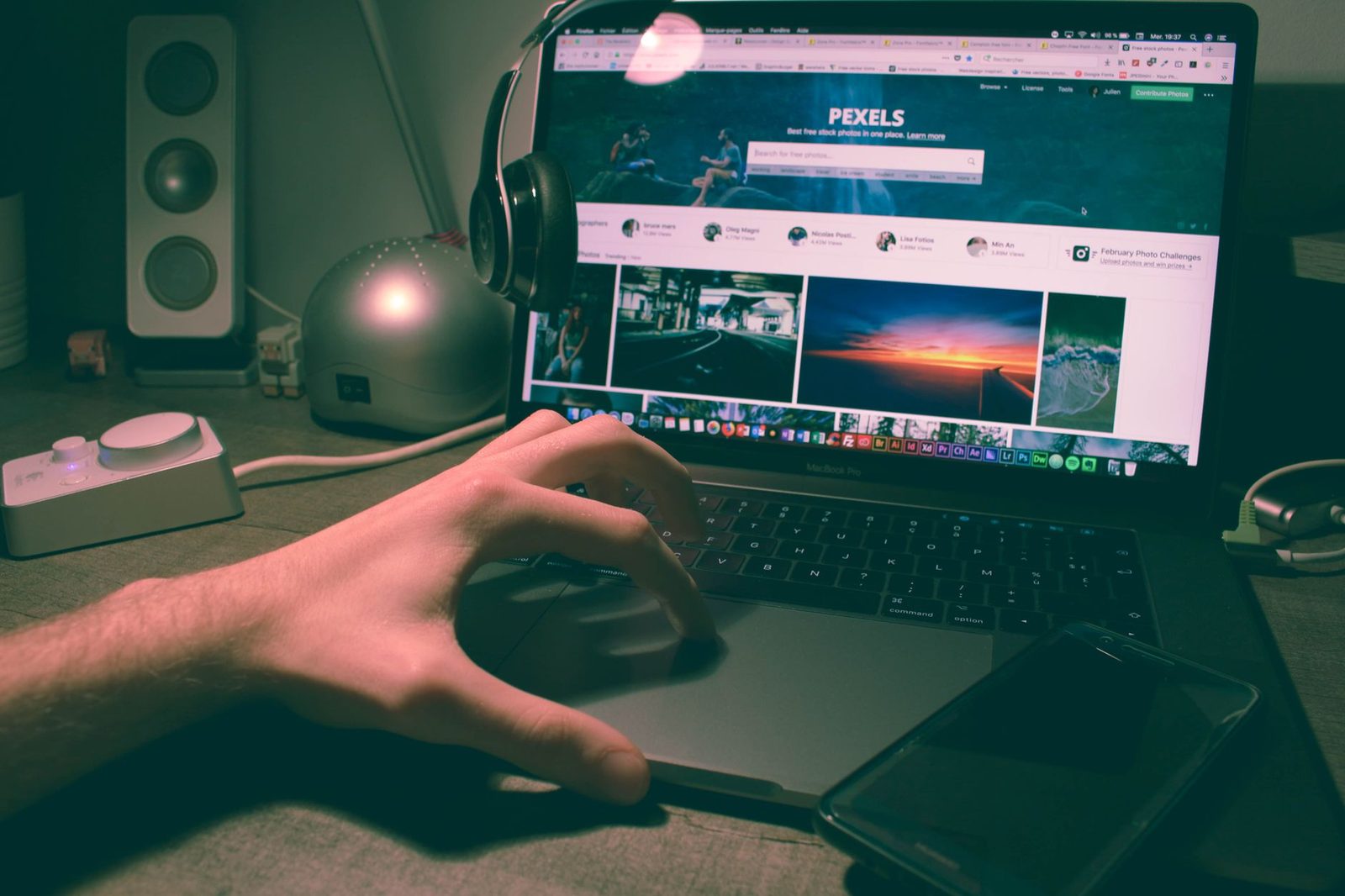
The conversation is going well. The stranger across from you mentions a music video you love, and you say "hang on, let me show you." You click "share screen," you pick "entire screen" because it's the first button, and for eleven seconds the person on the other end sees: your taskbar, your Windows account name — First name LAST NAME —, a train ticket tab with a departure station, a messaging notification popping up in the bottom right corner with your sister's first name, and the folder "taxes_2025" sitting on your desktop. You, on the other hand, see none of it: you're watching the video.
We've already covered staying anonymous and protecting your privacy, what your background says about you in three seconds and what you need to know before swapping contact details. This article tackles something far more recent and far less scrutinised: screen sharing on random video chat. It went mainstream because browsers have offered it natively for years through the getDisplayMedia API, documented in Mozilla's MDN Web Docs, and because several video platforms have built it into their interfaces. The problem: safeguards designed for a work meeting between identified colleagues make no sense at all when you're facing a stranger you met by chance.
Three parts: what your screen actually reveals, the abuse scenarios to know about, then a clean sharing protocol — settings, preparation, and the cases where you should simply say no.

1. A screen is never "just a screen"
An inventory of what you're broadcasting
When you share your entire screen, you're not broadcasting a window: you're broadcasting a personal environment built up over years. Here's the typical inventory, in order of risk.
| Visible element | What it reveals |
|---|---|
| Session / user account name | First name and often full surname |
| System notifications | Names of friends and family, message snippets, app names |
| Open browser tabs | City, employer, bank, interests, orientation |
| Bookmarks bar | Company intranet, school name, community forum |
| Clock and date format | Time zone, and therefore geographic area |
| Desktop wallpaper | Family photo, car with visible plate, house front |
| File names on the desktop | Official documents, work projects |
| Auto-completed address bar | Partial browsing history as soon as you type a single letter |
Taken individually, each element looks harmless. Put together, they form what privacy specialists call re-identification by cross-referencing: a first name, a surname and a city are usually all it takes to track someone down on social media. France's data protection authority, the CNIL, regularly points out in its publications on personal data that identification doesn't require an ID document, but a convergent set of clues. Your screen is precisely that set of clues, in high definition.
The notification trap
This is the most treacherous one, because it's asynchronous. You may have cleaned up your tabs, tidied your desktop, renamed your account. What you don't control is the moment your phone syncs its messages, an email lands, or a banking app announces "Payment of €42.80 approved." On Windows, Focus mode (formerly Focus Assist) and, on macOS, Focus in System Settings exist for exactly this reason. Switching them on before you share, not after, is the only reliable defence.
Reverse sharing: what gets shown to you
There's a second half to the problem, often forgotten: the other person's screen. On random video chat, screen sharing has become a classic vector for non-consensual exposure to sexual or shocking content — the French outlet 20 Minutes devoted an article in January 2026 to exhibitionist behaviour on video chats like Chatroulette or Azar, which remains one of the structural plagues of these platforms. A screen share accepted without thinking is a window you open yourself onto something you never asked to see.
Simple rule: a screen share from a stranger you met less than two minutes ago gets refused by default. That isn't paranoia, it's the same caution you'd apply to an unsolicited link.
2. Three abuse scenarios you won't see coming
a) "Show me your profile"
The most common scenario is also the most polite. The exchange is pleasant, the other person says: "do you have Insta? show me, I just want to see your photos." You share your screen instead of handing over your username, telling yourself it's less of a commitment. It's the opposite: you display your handle, your follower count, your stories, your location tags, and above all the username of the person at the top of your suggestions. A single screenshot on the other side — and any video call can be recorded, with software or simply a phone pointed at the screen — is enough to keep all of it.
b) The payment page
Online romance scams increasingly rely on a technical piece of theatre. Someone explains that a "premium" video chat site is asking them to verify something, invites you to share your screen so you can "look at it together," and guides you to a page that looks like a banking form. France's Ministry of the Interior, through the Cybermalveillance.gouv.fr platform, documents this social engineering pattern in detail: the scam never consists of stealing, but of getting you to do the action yourself. A screen share makes the fraudster co-pilot of your machine, visually at least.
c) The fake tech support
A more aggressive variant: "your webcam has an issue, I know this one, let me see your settings." Screen sharing is the first step; the second is installing a remote-control tool. Nobody you've met at random on a chatroulette has any legitimate reason to see your system settings. If your webcam or microphone are playing up, the fix lies in your browser settings or in better hardware — a standalone USB webcam, a USB headset with a boom mic — not in a stranger's help.

3. The clean sharing protocol
The goal isn't to never show anything: sharing a track, a map, a drawing in progress is often what turns a bland conversation into a real moment. The goal is to show only what you've decided to show.
Step 1 — Choose "window" or "tab," never "entire screen"
Modern browsers always offer three levels of granularity in the sharing dialog box:
- Browser tab: the safest option. Only the tab's content is transmitted, and system notifications don't appear in it.
- Application window: acceptable, but a window can display revealing interface elements (account name, sidebar conversation list).
- Entire screen: reserve this for work meetings. On random video chat, there's no use case that justifies it.
In Chrome and Firefox, the dialog box shows a preview thumbnail: look at it before you confirm. It is literally the last second in which you can see what the other person is about to see.
Step 2 — Create a "video chat" browser profile
This is the move that changes everything, and it's free. Chrome, Edge and Firefox all let you create several separate profiles or containers. You dedicate one to chatroulettes: no accounts logged in, no bookmarks, no history, no chatty extensions. The payoff is twofold: your personal tabs stay out of reach, and your autocomplete can't betray you.
In the same spirit, a neutral account name on your computer ("Studio," "Home") rather than your legal identity takes five minutes to set up and covers you for life.
Step 3 — Set the "stage" before you log in
The people who share their screen without incident are the ones who prepared it. Concretely, before the session:
- a single browser window open, in the dedicated profile;
- Focus mode / Do Not Disturb switched on both on the computer and on the phone sitting next to you;
- neutral wallpaper, empty desktop or a single folder with a meaningless name;
- a local media player rather than a logged-in service, to avoid "Hello [First name]" screens;
- and, for everything sound-related, a closed-back headset so the shared audio doesn't loop back into your microphone.
Step 4 — Know what sharing does not protect
Two stubborn illusions deserve to be dismantled.
A blurred background doesn't protect you during a screen share. Blur applies to the camera feed, not the screen feed. If you're counting on blur to hide your room, be aware that it drops out regularly — edges, fast movements, a raised arm — and that it has no effect whatsoever on the transmitted screen. To hide a room, a physical solution remains superior: a foldable green screen or a simple folding screen behind you does a job the algorithm can't.
Sharing stops more slowly than you think. Between the moment you decide to stop and the moment the feed actually cuts out, there's your reaction time plus network latency. In those two seconds, everything on display goes out. Hence a rule of sequence: you stop the share, then you go back to your business — never the other way round.
Step 5 — The after-the-fact reflex
A botched screen share can't be undone, but it can be contained. If you've exposed something sensitive:
| What leaked | Immediate action |
|---|---|
| Full name | Check the privacy settings on your social media accounts |
| A social media handle | Set the account to private for a few days, block if contacted |
| A snippet of a bank document | Monitor transactions, alert your bank if in doubt |
| An address / a journey | Don't reconnect in the same session, report the profile |
And in every case: report it. The reporting mechanisms on random video chat platforms feed the moderation queues, and a sexual screen share or an extortion attempt are grounds for filing a police complaint. In France, the 17Cyber service, launched in late 2024 by the Ministry of the Interior and Cybermalveillance.gouv.fr, directs victims of cybercrime to the right contacts, and the PHAROS platform allows illegal online content to be reported. For minors or harassment situations, 3018 is the reference helpline, free and confidential.
4. Sharing smartly: the good use cases
None of this should put you off. Used well, screen sharing is one of the best tools against the emptiness of chatroulette conversations — the kind where you wear yourself out repeating "so where are you from?" Three uses stand out.
The shared game. A drawing game in a tab, a chess match, a flag quiz: the screen becomes neutral ground, attention shifts from the face to the object, and the conversation gets room to breathe. That's precisely the effect research on Zoom fatigue — notably Jeremy Bailenson's work at Stanford on nonverbal overload — describes as a relief: less continuous frontal eye contact, less exhaustion.
The silent map. Showing a region, a hiking route, a country you've visited, without ever zooming in on your own street. The exercise works remarkably well for language-exchange conversations.
Live creation. A drawing, a guitar chord, a recipe typed out as you go. If you draw, a graphics tablet with a stylus turns a screen share into a memorable moment — and it's one of the few things a stranger will remember about you after clicking "next" fifty times.

Key takeaways
- Sharing "the entire screen" on a chatroulette is never justified: go for the tab, or failing that the window.
- The three most frequent leaks are the account name, notifications and open tabs — all three are neutralised with five minutes of preparation.
- A browser profile dedicated to chatroulettes, with no accounts logged in and no history, is the best protection available at zero cost.
- A screen share offered by a stranger should be refused by default: it's the classic vector for non-consensual exposure and social engineering.
- If something goes wrong: cut the feed, report it on the platform, then turn to 17Cyber, PHAROS or 3018 depending on the situation.
Screen sharing is neither dangerous nor safe in itself: it is exactly as indiscreet as your preparation is careless. Ten minutes of settings, once and for all, and it goes back to being what it should be — a way to show something of yourself, and only that something.